ARNONA / AREA DOCUMENTATION
Arnona
area study
Watch the CAD outlines settle into place, then explore the complete drawing.
ARNONA / THE ARRIVALArea drawing / rendered view

ANIMATED AREA DRAWING
Press play for the sequence, or open the plan to inspect the drawing.
Drag to pan. Pinch or use + / − to zoom. Arrow keys pan; 0 fits the drawing. Exit exploration to scroll through the image area.
Rendered from the supplied CAD area outlines, with enhanced display colors and shaded areas. Switch to Original CAD for source colors and linework. Vertical movement is a visual effect, not measured building height.
THE SOURCE DRAWING
Area plan
Inspect the original area outlines, arrangement and CAD colors.
Open the vector drawing ↗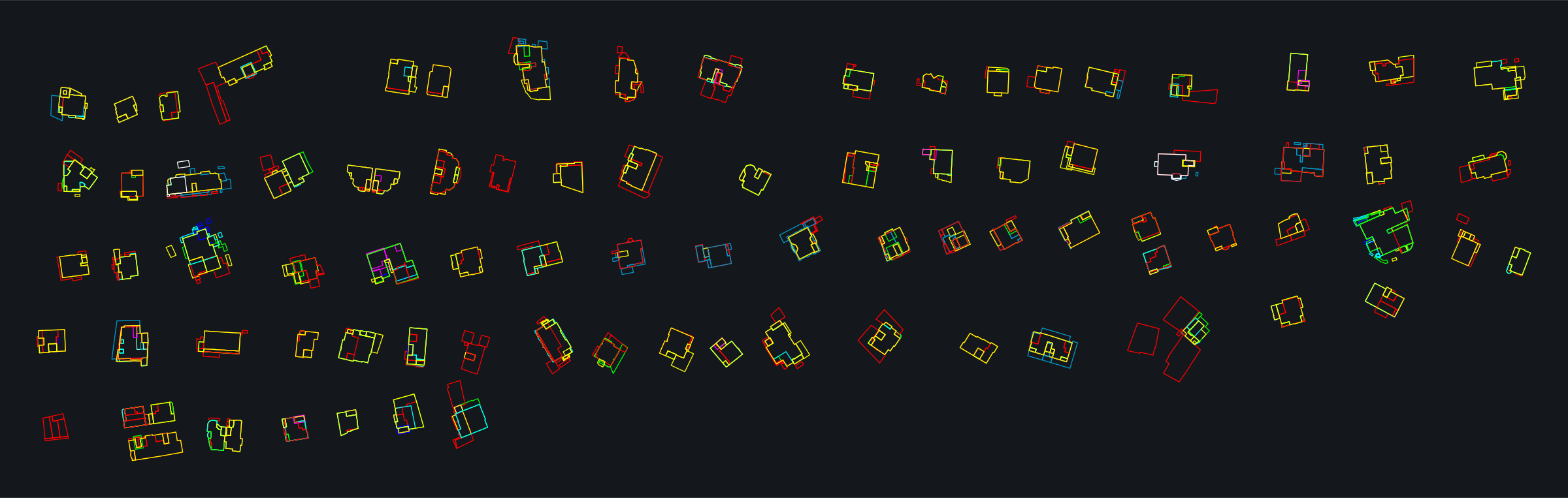 Enlarge the drawing ↗
AERIAL & CAD DOCUMENTATION