FAÇADE & SITE DOCUMENTATION
Every face.
Clearly recorded.
From captured surfaces
to clear building records.
01 / THE FAÇADES
Captured. Drawn.
Understood.
Two elevations, read together.
Select a view. Open any image to inspect.
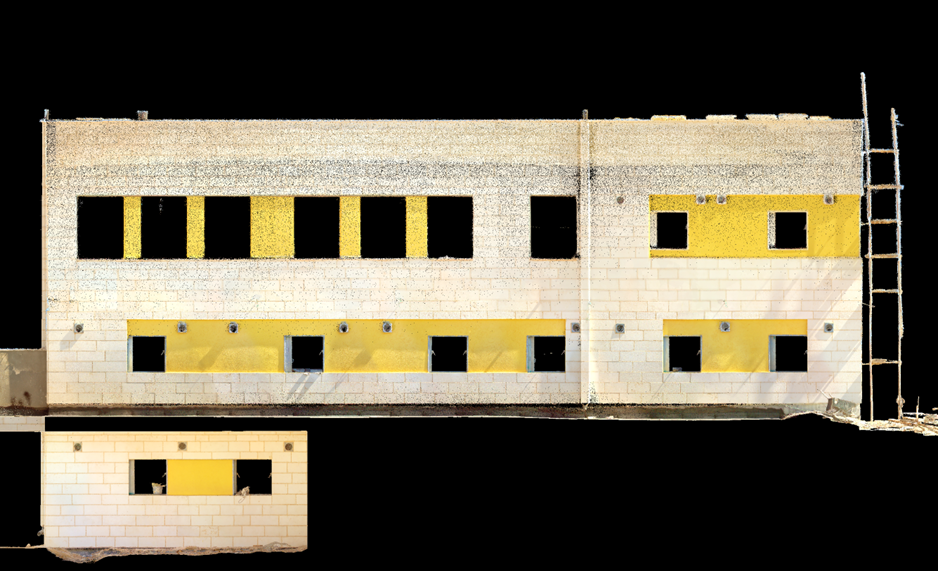
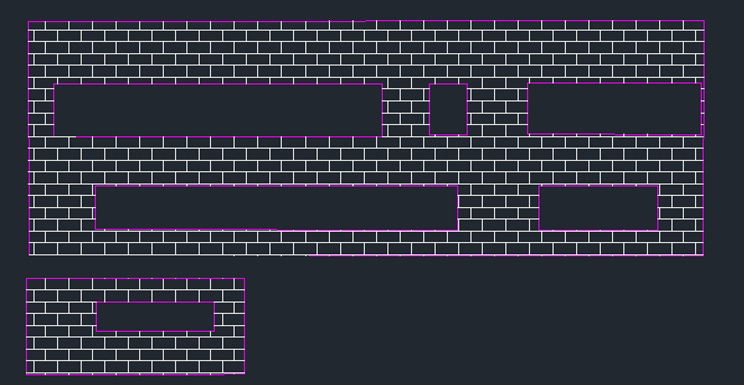
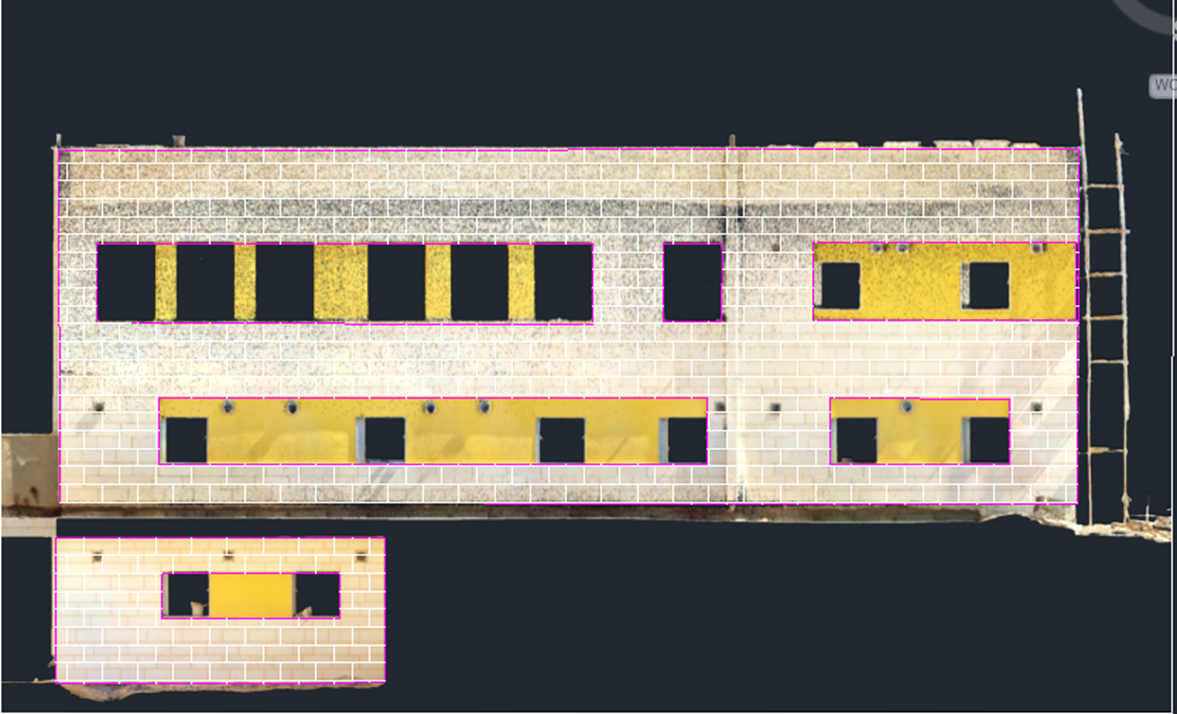
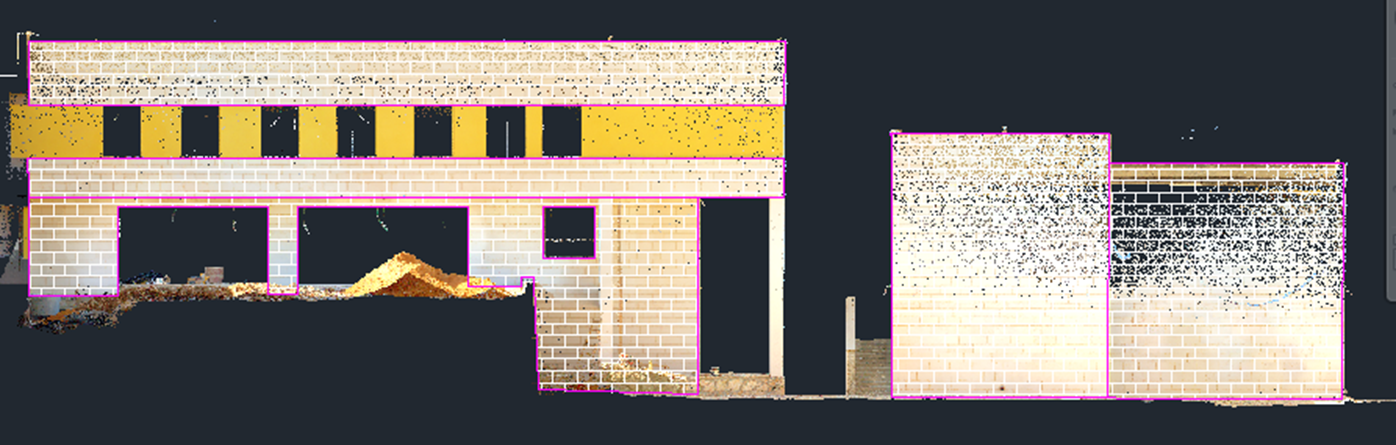
Window façade
Masonry courses, openings and the lower return.
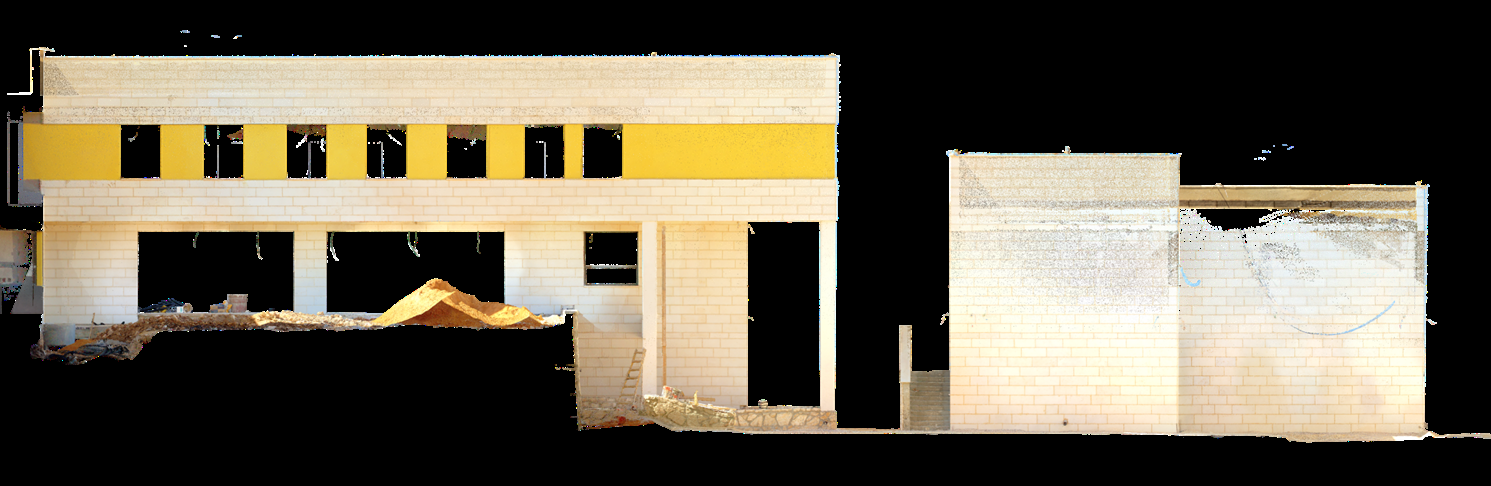
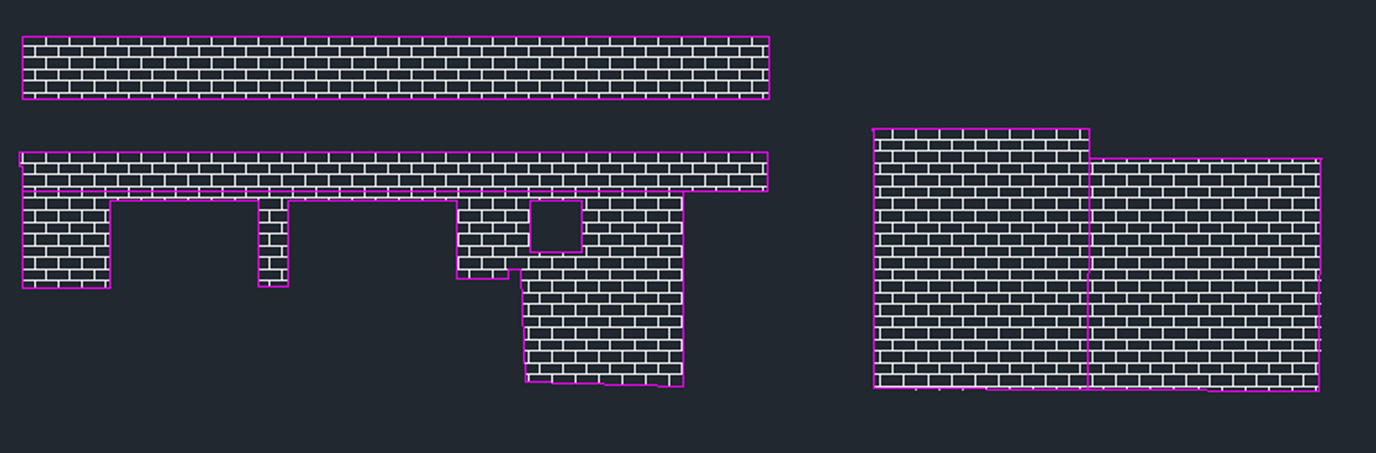
Courtyard façade
The open ground level and adjoining wall profiles.
About these views
The captured façades, masonry drawings and source overlays are supplied images of this building. Opening patterns, wall profiles and returns establish their relationship. Each retains its own framing and proportions; the paired images are not a registered comparison. Image inspection shows original source detail. The complete site drawing below is a separate, scalable vector export from the supplied DXF.
02 / SCAN TO CAD
The building.
Defined in lines.
One viewpoint. Captured and drawn.
Move the divider to reveal the CAD.


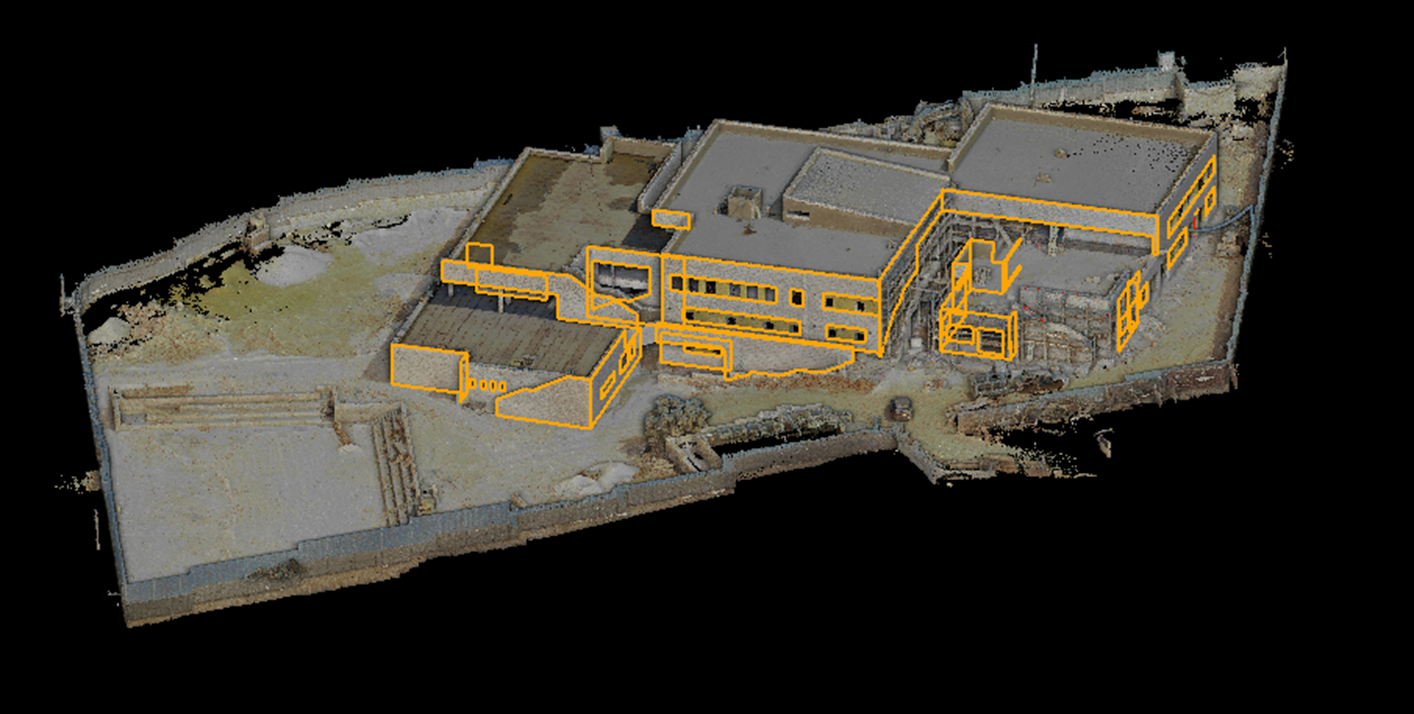
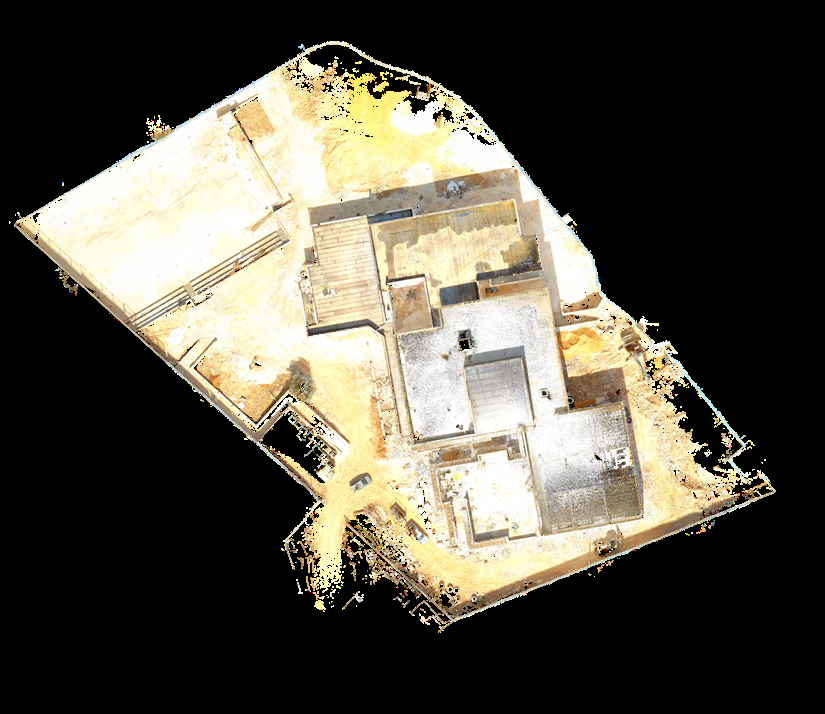
Building overview
Read the building footprint, stepped roof form and surrounding site.
About these views
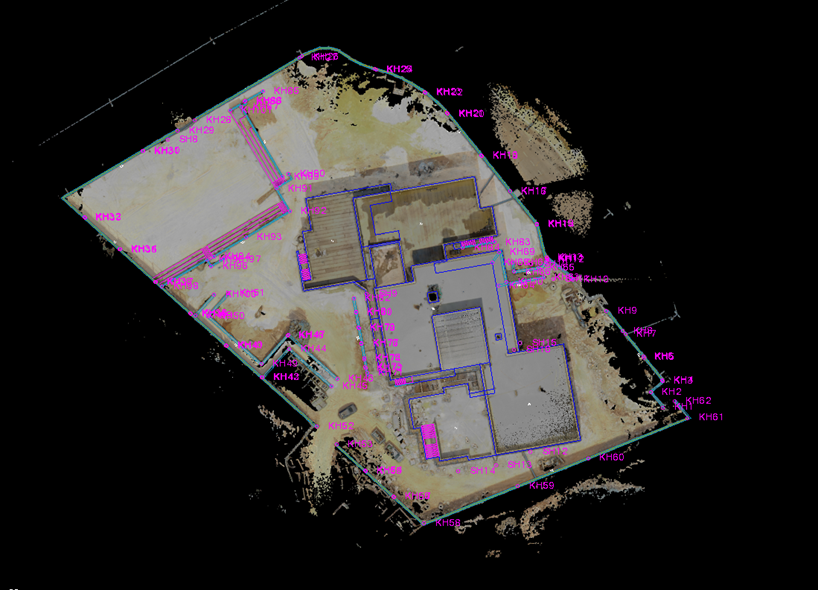
The scan and elevation linework share the original camera and coordinate origin. The overlay shows the supplied CAD through the captured surfaces. These are rendered views, not a live 3D model.
03 / THE SITE DRAWING
The whole site.
In clear lines.
Building outlines, steps and site edges.
Select the drawing to zoom.


 Inspect drawing ↗
- Buildings
- Walls
- Steps
- Fences
Drawing information
This is a separate 2D view of the supplied DXF. Its original polylines and circular arcs are preserved. Source annotation text is omitted from this presentation. No elevation or measurement scale has been assigned to align it with the scan.
YOUR PROJECT