INTERACTIVE PROJECTS
Explore the projects
Explore models, compare scans and drawings, and inspect aerial imagery.
BROWSE BY SERVICE
Projects by service
All 20 projects across five services.
As-Built Drawings
9 projectsFaçade Quantities
2 projectsRoad & Site Documentation
5 projectsDrone Photogrammetry
3 projectsHeritage Documentation
2 projectsINTERACTIVE PROJECTS
Interactive projects
Open a project to explore its scans, models or drawings.
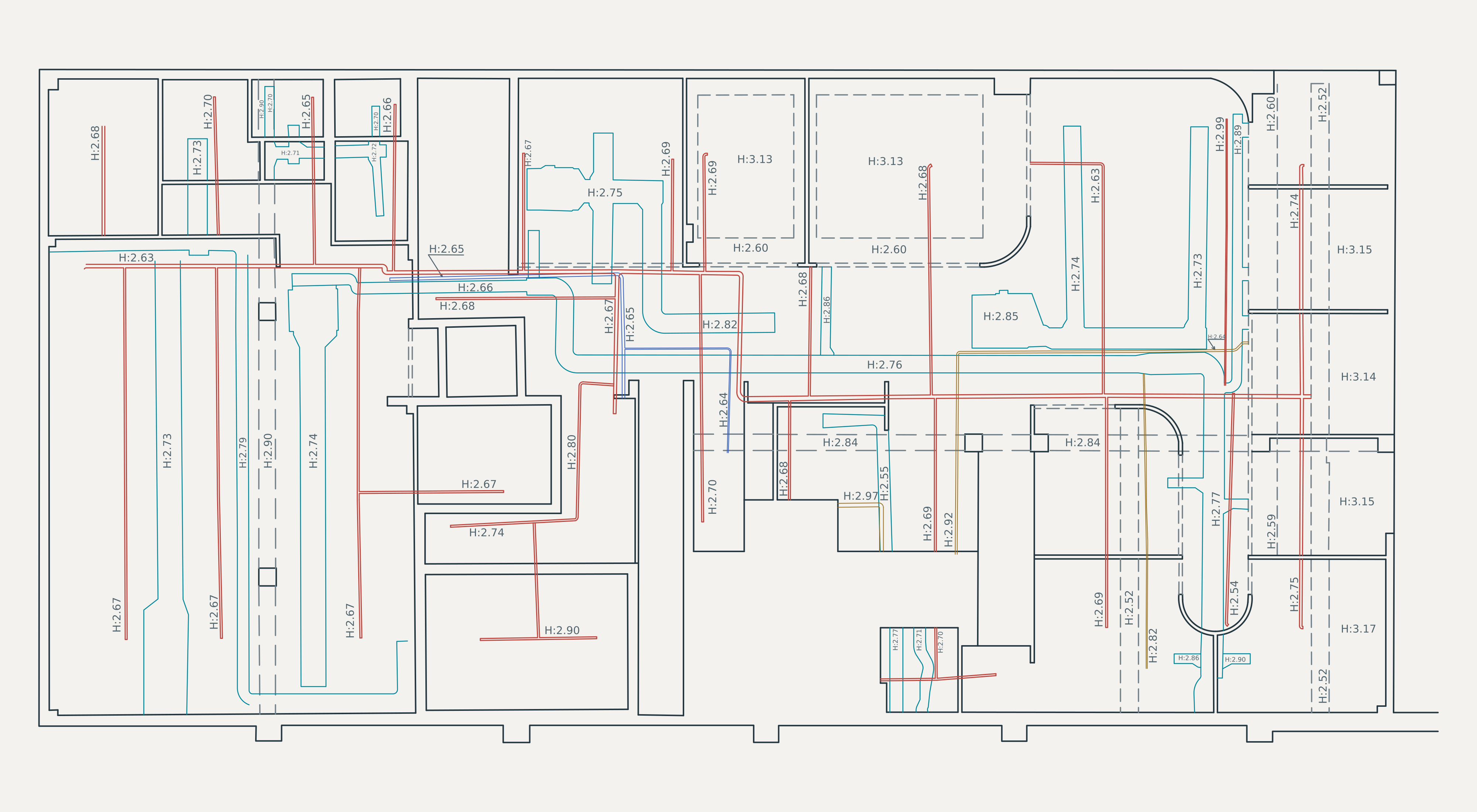 ARCHITECTURE + SERVICES
Every level. Clearly defined.
Explore two floors through their original drawing layers.
Explore the floor plans ↗
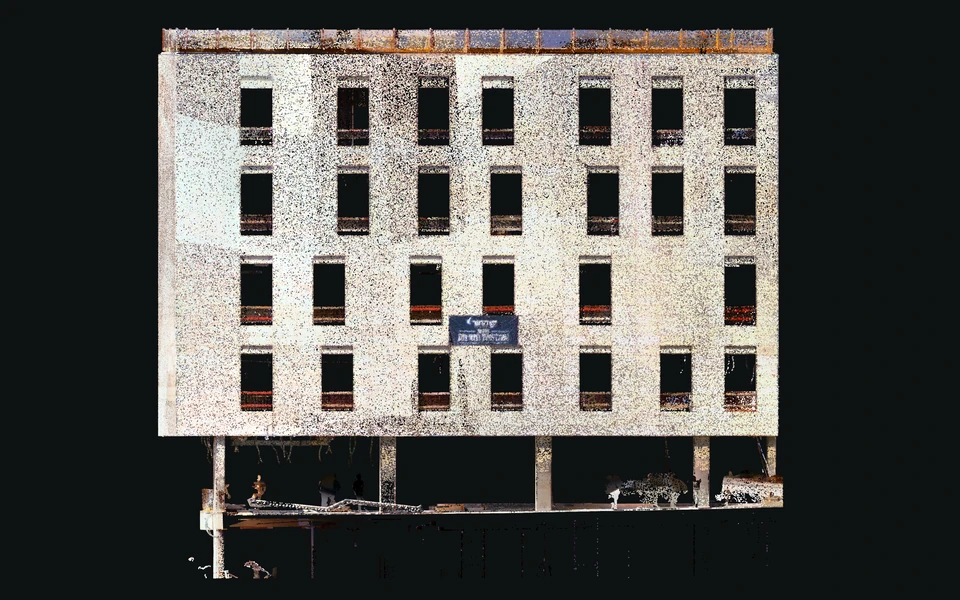
A building, in profile
Explore complete elevations, then compare the captured façade.
Open the elevation gallery ↗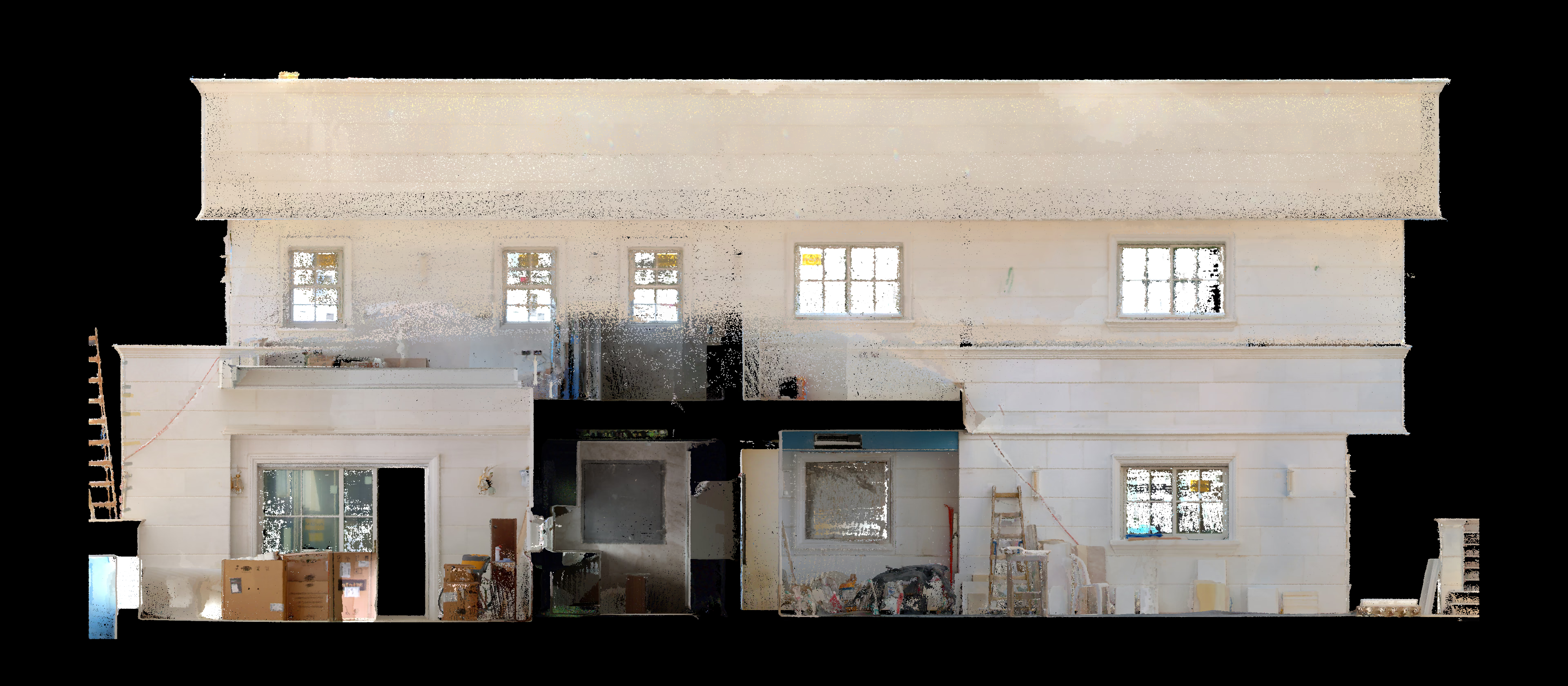 POINT CLOUD + ELEVATIONS
Stone façade
Captured surfaces. Coordinated drawings.
View the façades ↗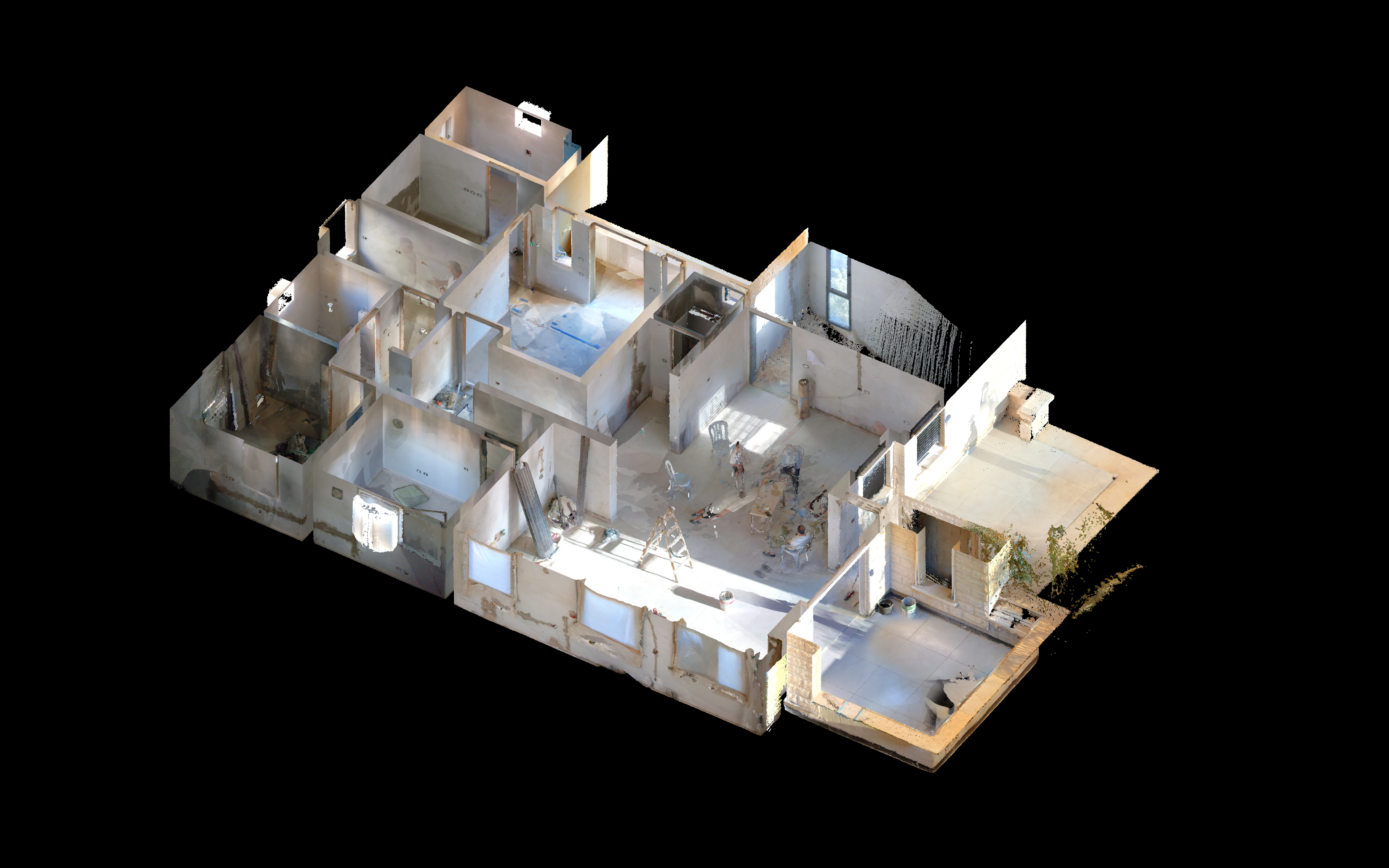 CAPTURED INTERIOR + CAD
Interior building record
Reveal the interior, then inspect the floor plan.
Open the interior ↗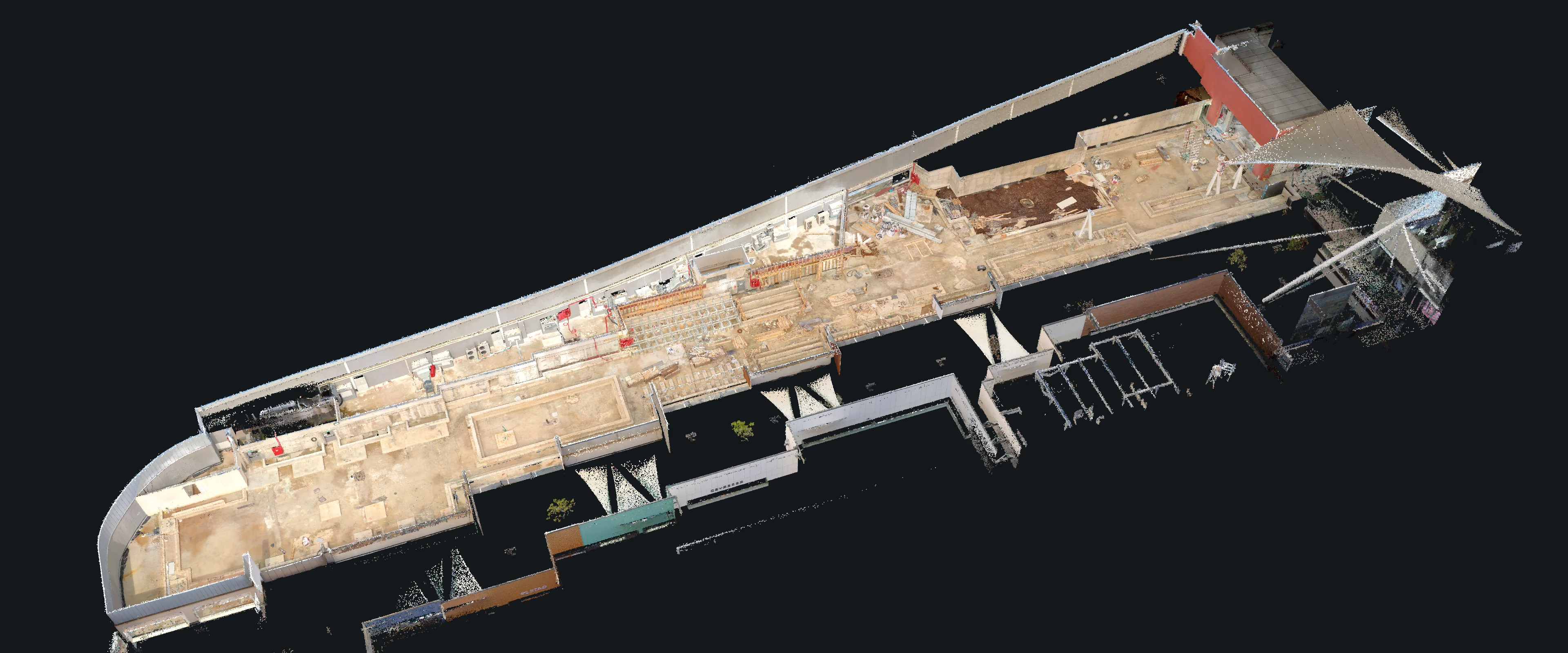 POINT CLOUD + CAD PLAN
Building scan & plan
Move the drawing lens across the scan, then inspect the measured plan.
Explore the drawing lens ↗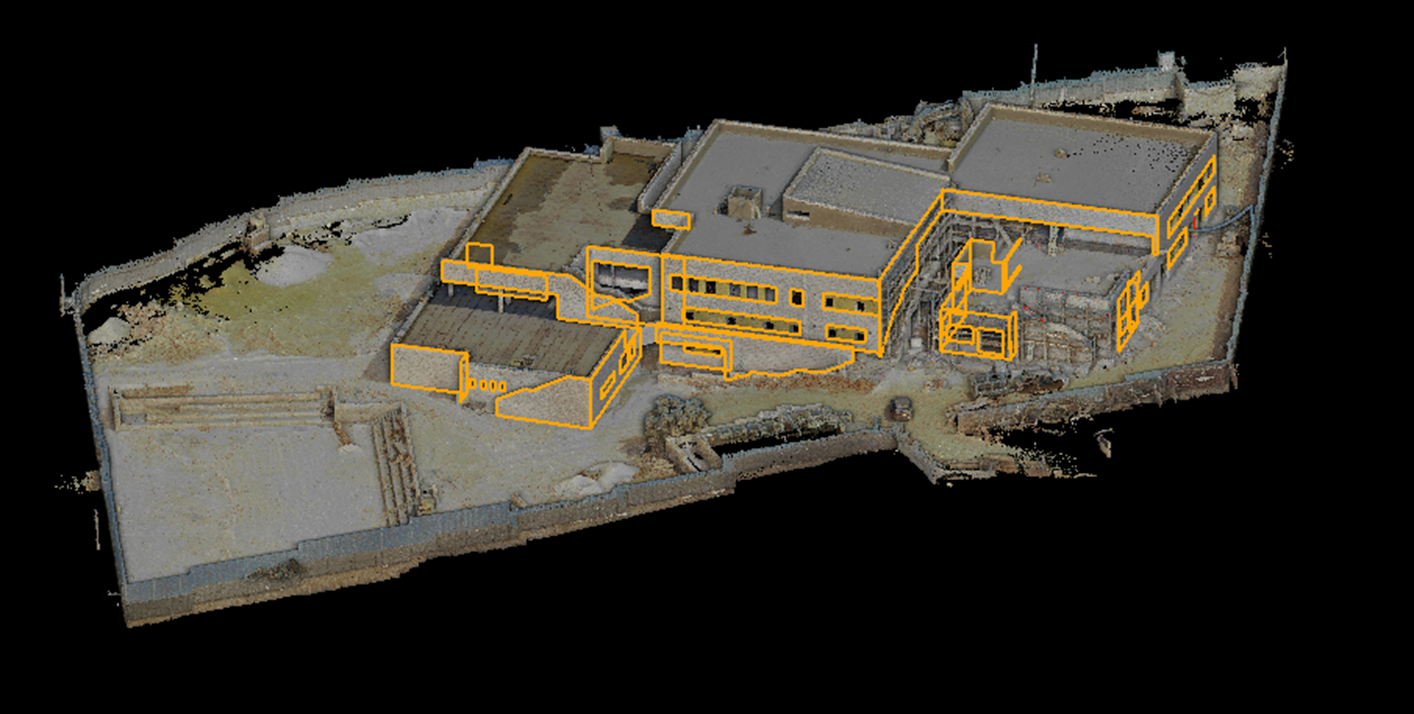 BUILDING / SCAN + CAD
Building & site study
Explore two captured façades, their drawings and the site plan.
Explore the façades ↗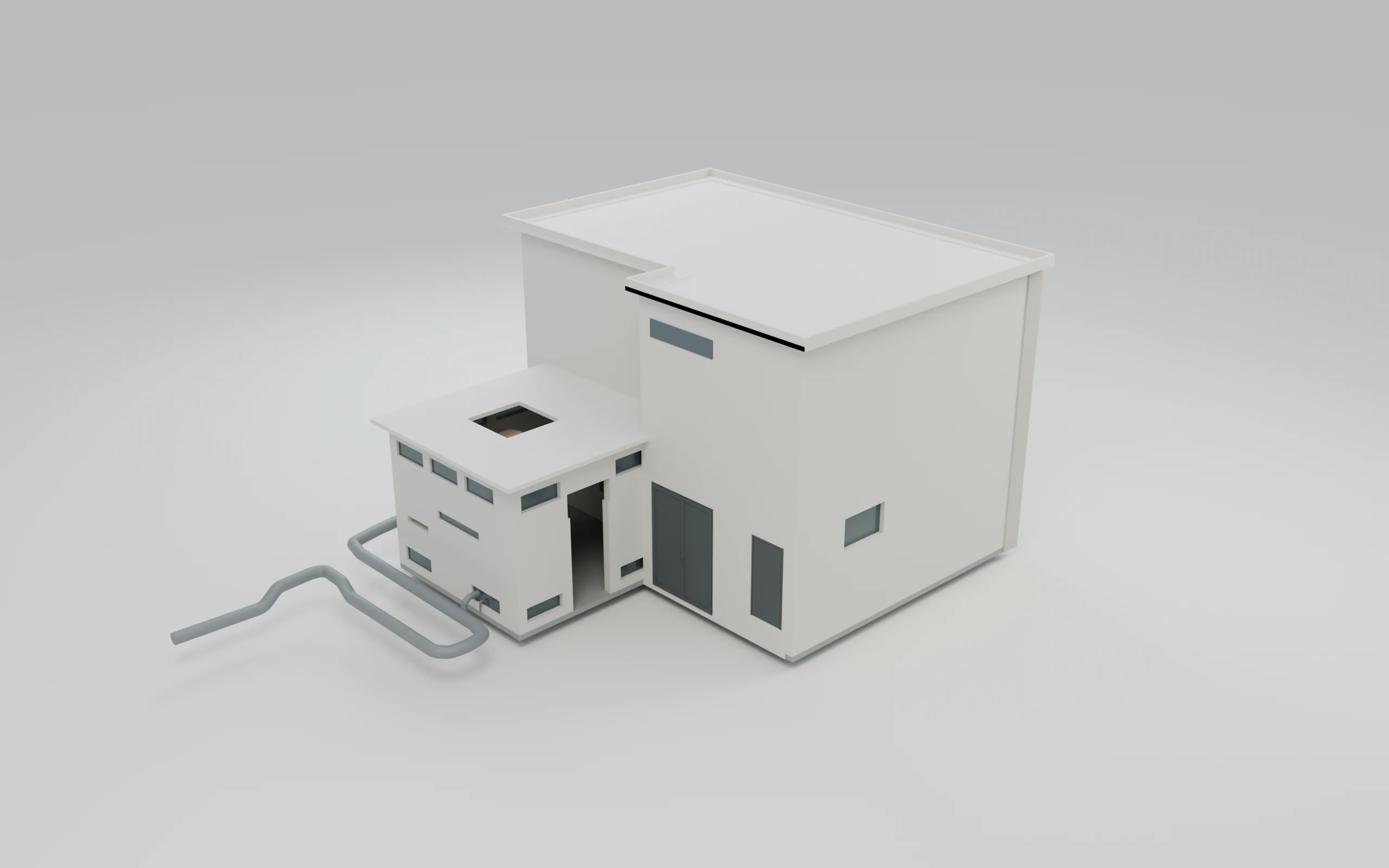 3D MODEL + POINT CLOUD
Building & equipment
Explore wireframe, shaded model and point cloud views.
Open model explorer ↗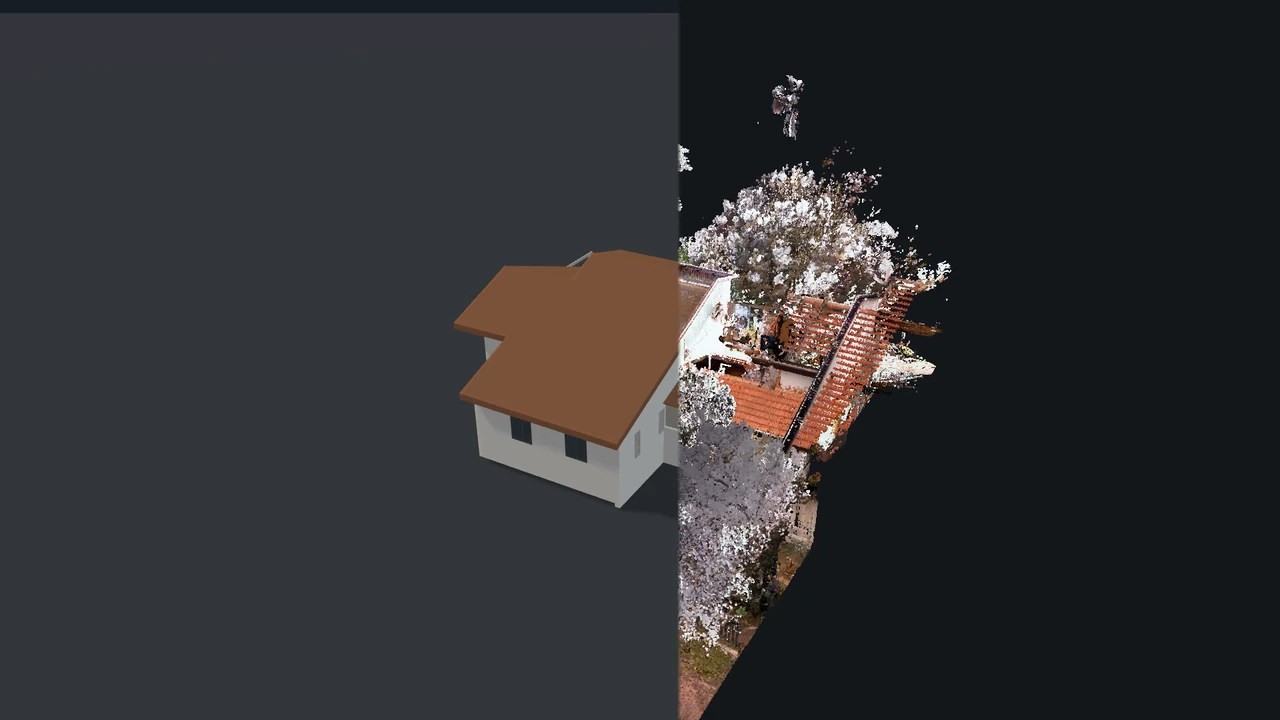 SCAN + MODEL + DRAWINGS
Building documentation
Watch the film, explore the model and inspect the plans.
Explore the building ↗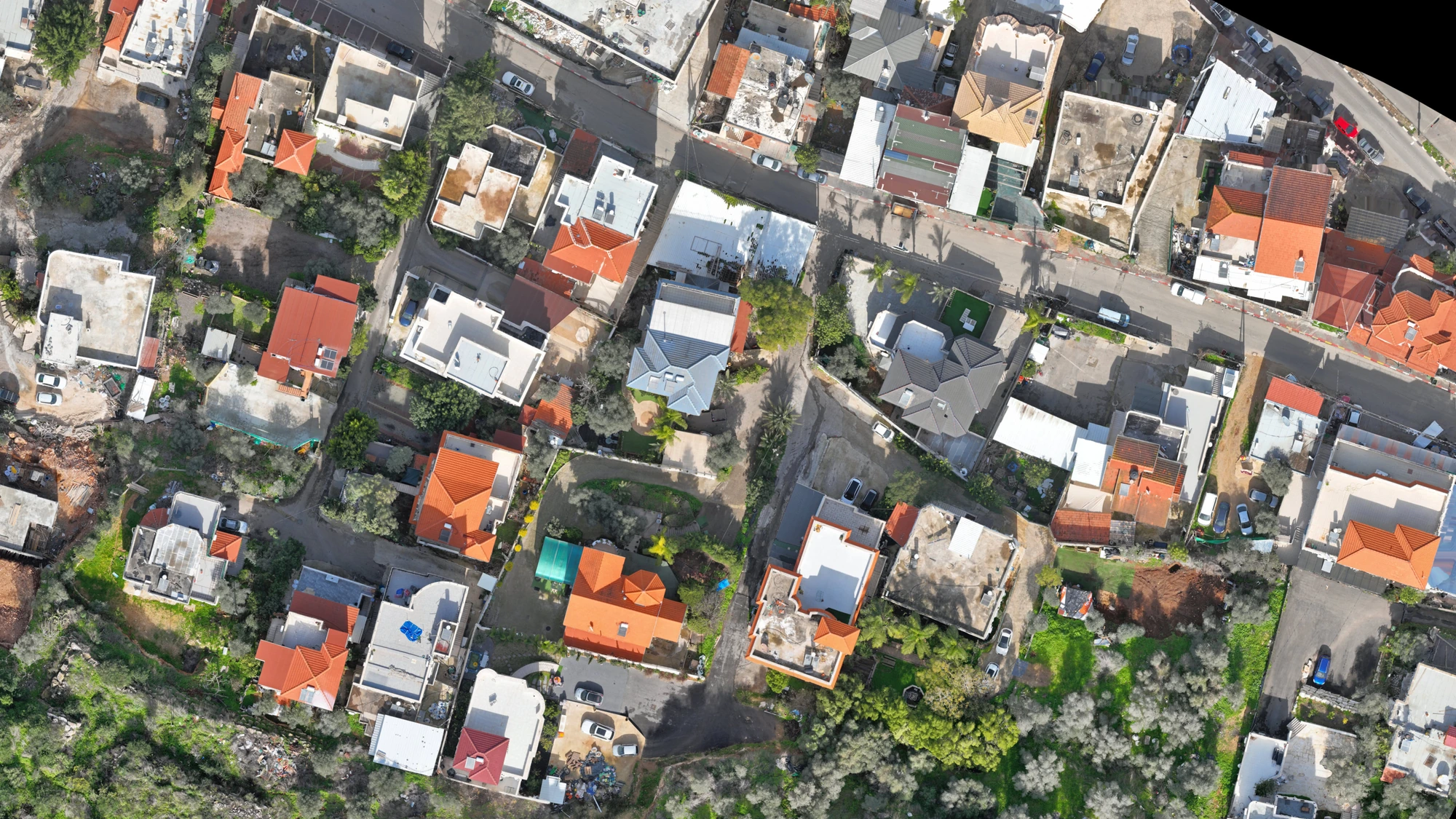 AERIAL + CAD
Drone site survey
Inspect aerial imagery and its corresponding CAD drawing.
Explore the aerial atlas ↗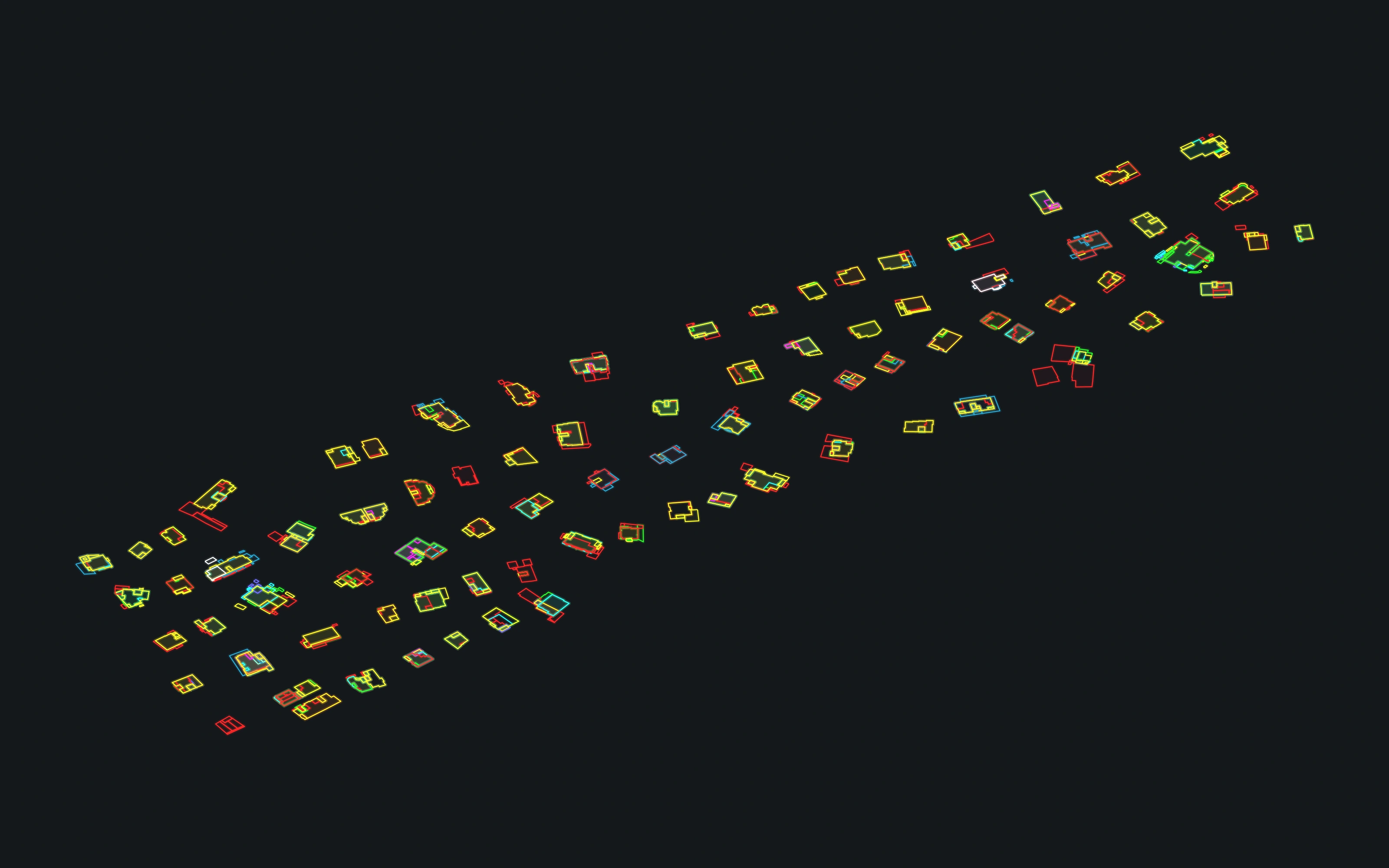 ANIMATED CAD OUTLINES
Arnona area study
Play the drawing sequence, then pan and zoom into the plan.
Play the arrival ↗IMAGES & DRAWINGS
Images & drawings
Select a project to compare and zoom into its images. For live 3D, use the project viewers above.
Captured exterior
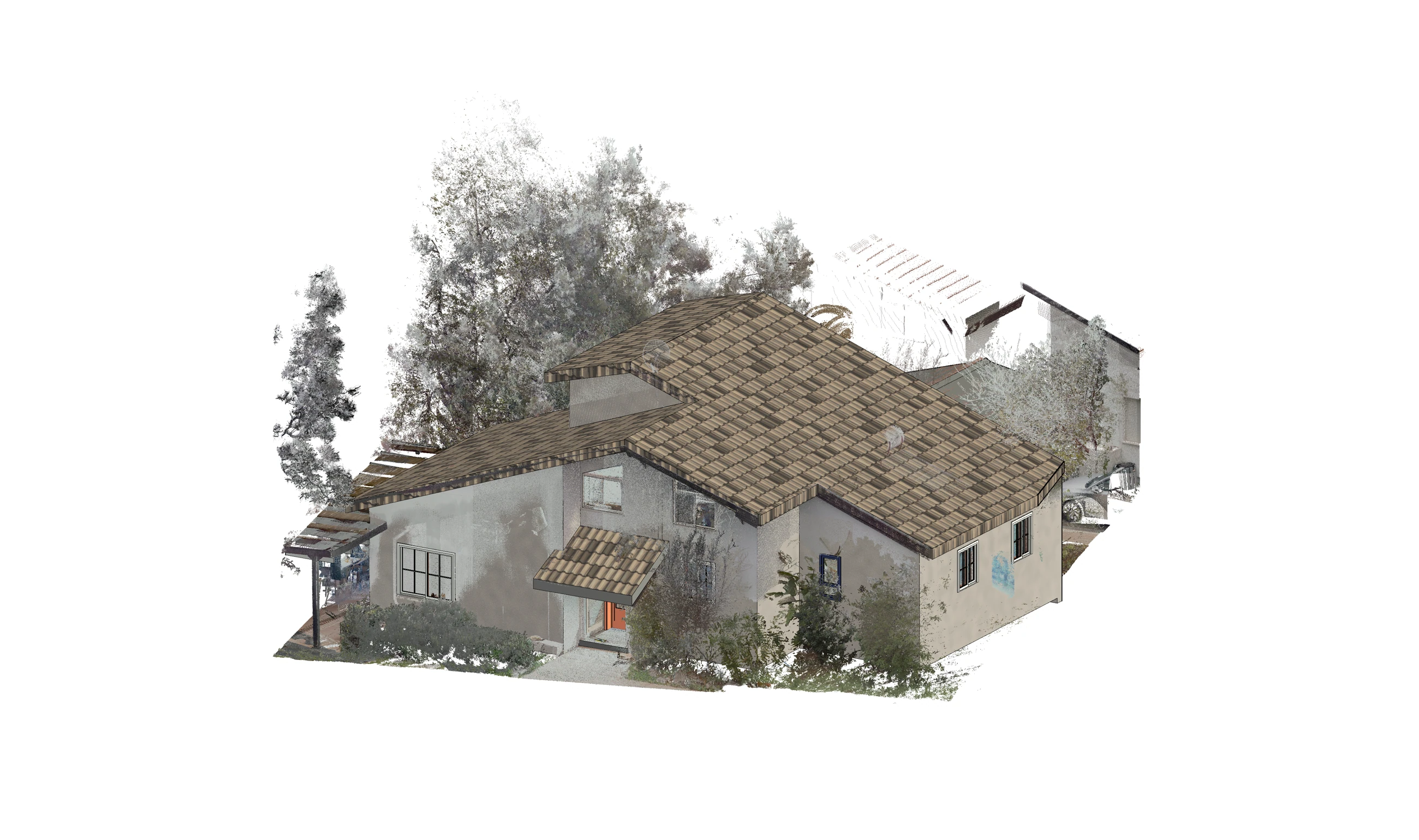
Zoom into the original source. Compare the model. Inspect the drawings.
Image controls — Click a view, then scroll or pinch to zoom. Drag to pan. Keyboard: + / − to zoom, 0 to fit, 1 for source pixels, arrow keys to pan. Esc releases image focus so you can scroll the page.
Comparisons retain each source perspective. Pan and zoom each panel independently. Guided review changes recorded images; any manual interaction pauses it.
Zoomable source images and drawings. For free 3D navigation, open one of the building projects above.
Explore our services
Drawings, models, quantities and site documentation.
View services & deliverables →