POINT CLOUD / FLOOR PLAN
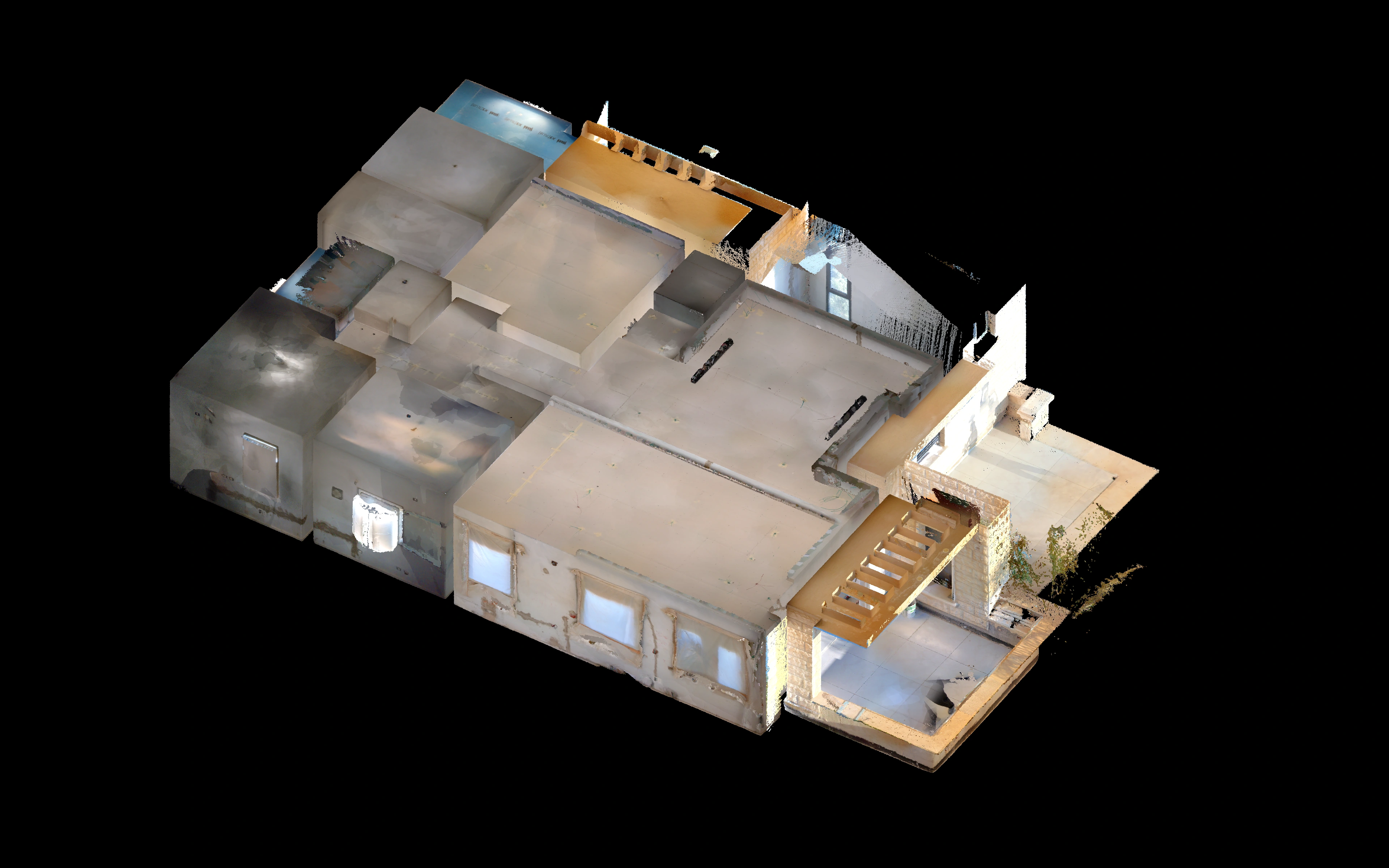
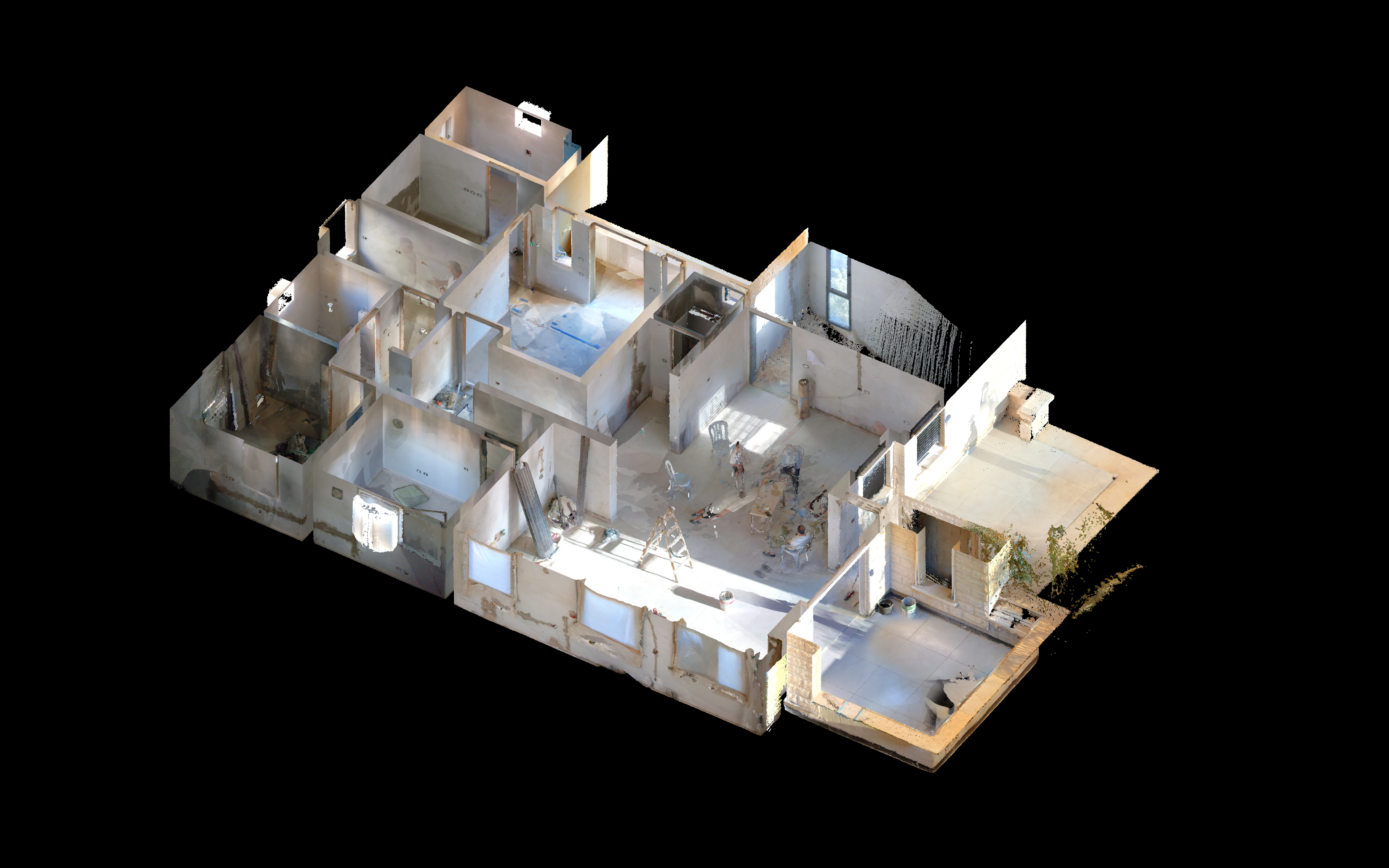
Inside the building.
Captured spaces.
A clear architectural record.
01 / CAPTURE
Open the interior.
Switch views to reveal the rooms and openings.
02 / DOCUMENTATION
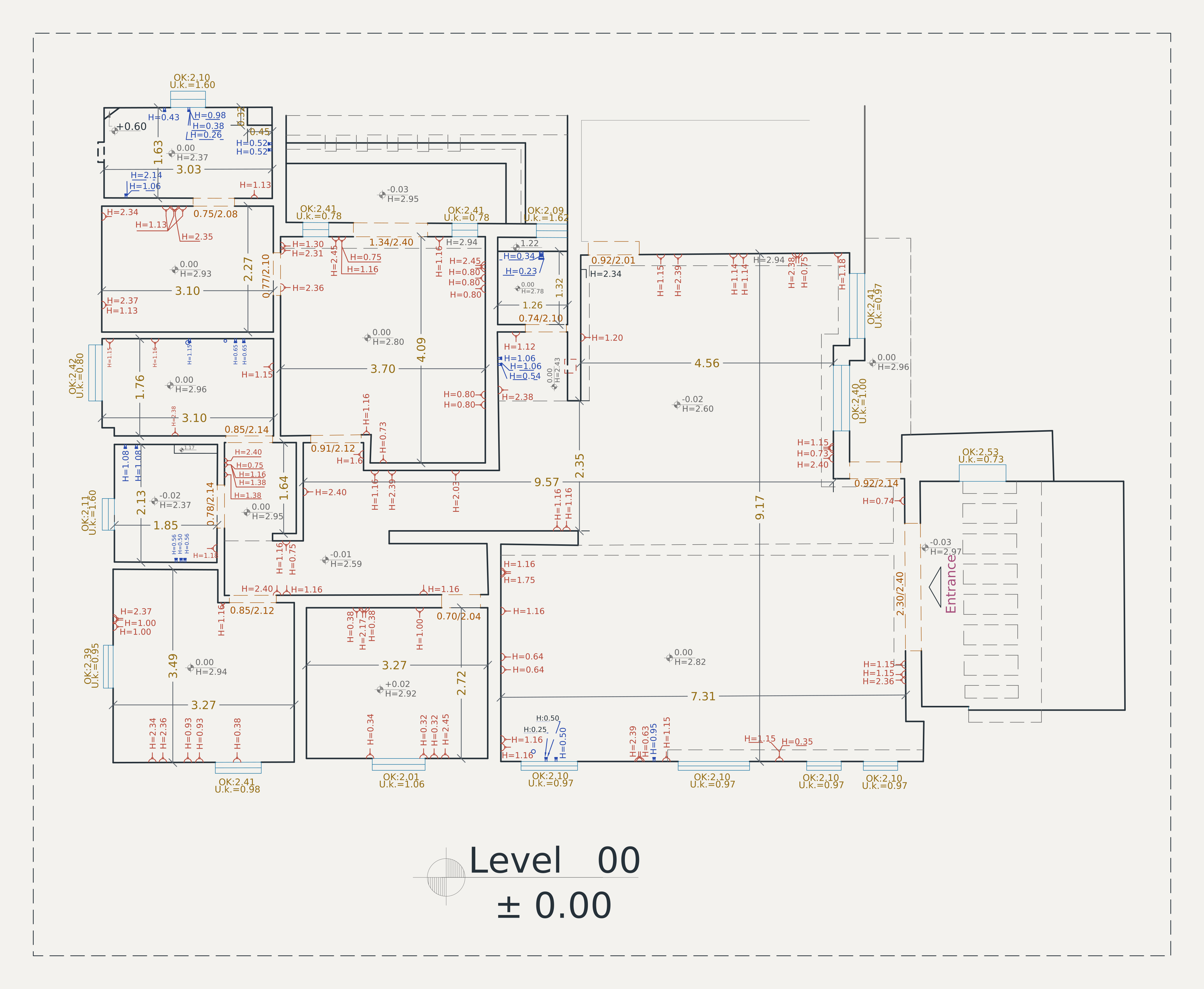
The floor plan.
Walls, openings and dimensions.
Select the drawing to inspect the detail.
 Zoom into drawing ↗
About these views
These 4K views are rendered from the supplied E57 point cloud, containing 31.8 million captured points. Original RGB colors are retained. A display crop isolates the building; a horizontal cut reveals its interior. The building and interior views share the same camera. No surfaces or missing scan detail have been generated. The CAD plan is rendered as scalable vector linework from the supplied DXF. Source fonts are substituted for screen display; annotation values are retained. The CAD plan is presented separately; it is not a pixel-aligned overlay. Select any image to inspect the complete source view.
BUILDING DOCUMENTATION