BUILDING PLANS / TWO FLOORS
Every level.
Clearly defined.
Read the architecture.
Reveal the services.
Explore the original detail.
Second floorSCALABLE VECTOR DRAWING
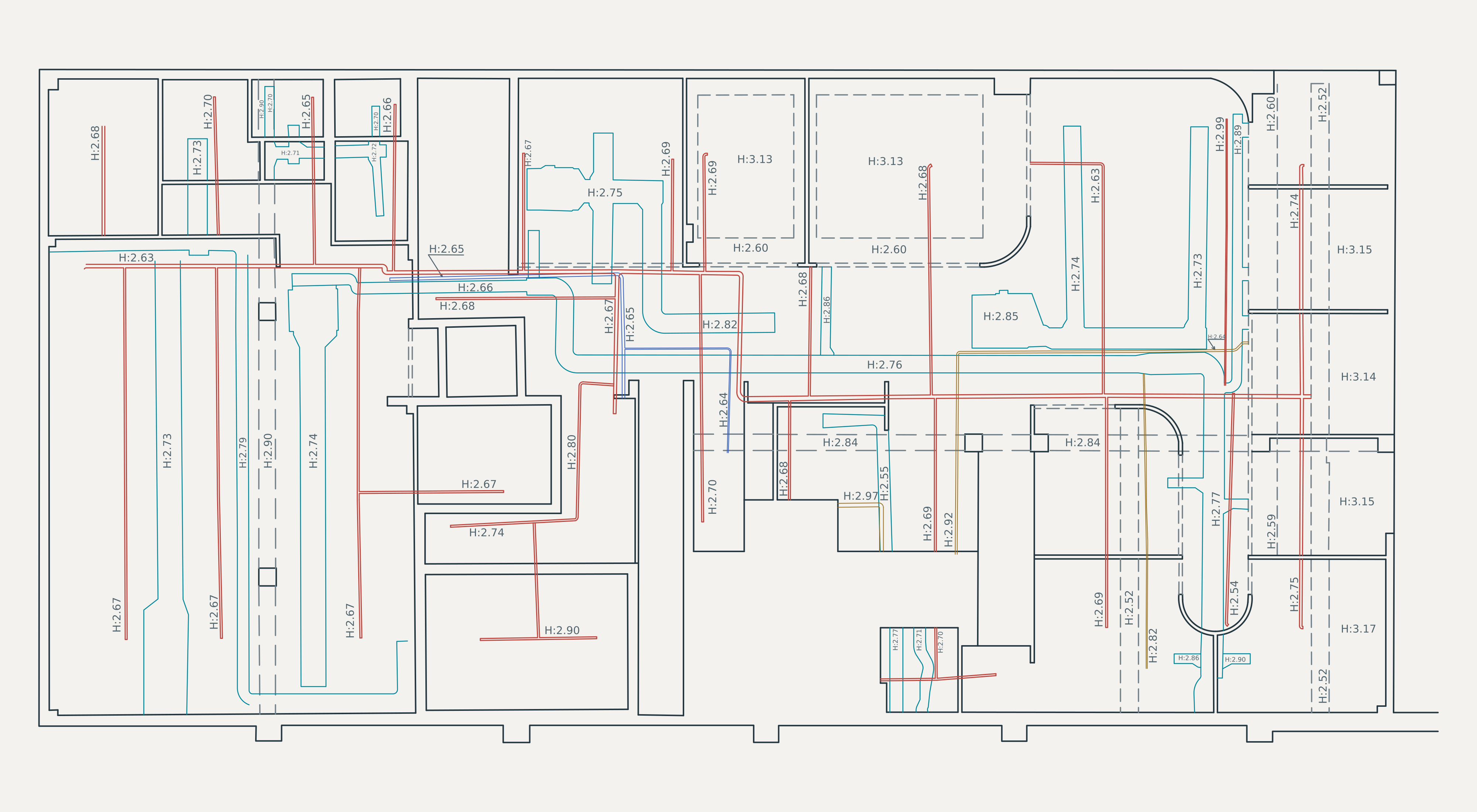
Select a floor. Zoom to read the detail.
DWG / CAD RECORDTHE WORK
One building.
Several layers of detail.
The floor plans record walls, overhead elements, service routes and height annotations. Switch layers to see how each part relates to the building.
02Floor plans04Drawing layers∞Vector clarity
About this presentation
Rendered from the supplied CAD drawing. Original plan geometry and height values are retained. Line colors and weights are adjusted for screen clarity, and source fonts are substituted. Layer views use the drawing’s existing CAD layers. The two plans are displayed independently; this is a drawing study, not a 3D model.
BUILDING DOCUMENTATION