AS-BUILT / POINT CLOUD + CAD
Building survey
Captured conditions and a measured plan, read together.
Explore the drawing lens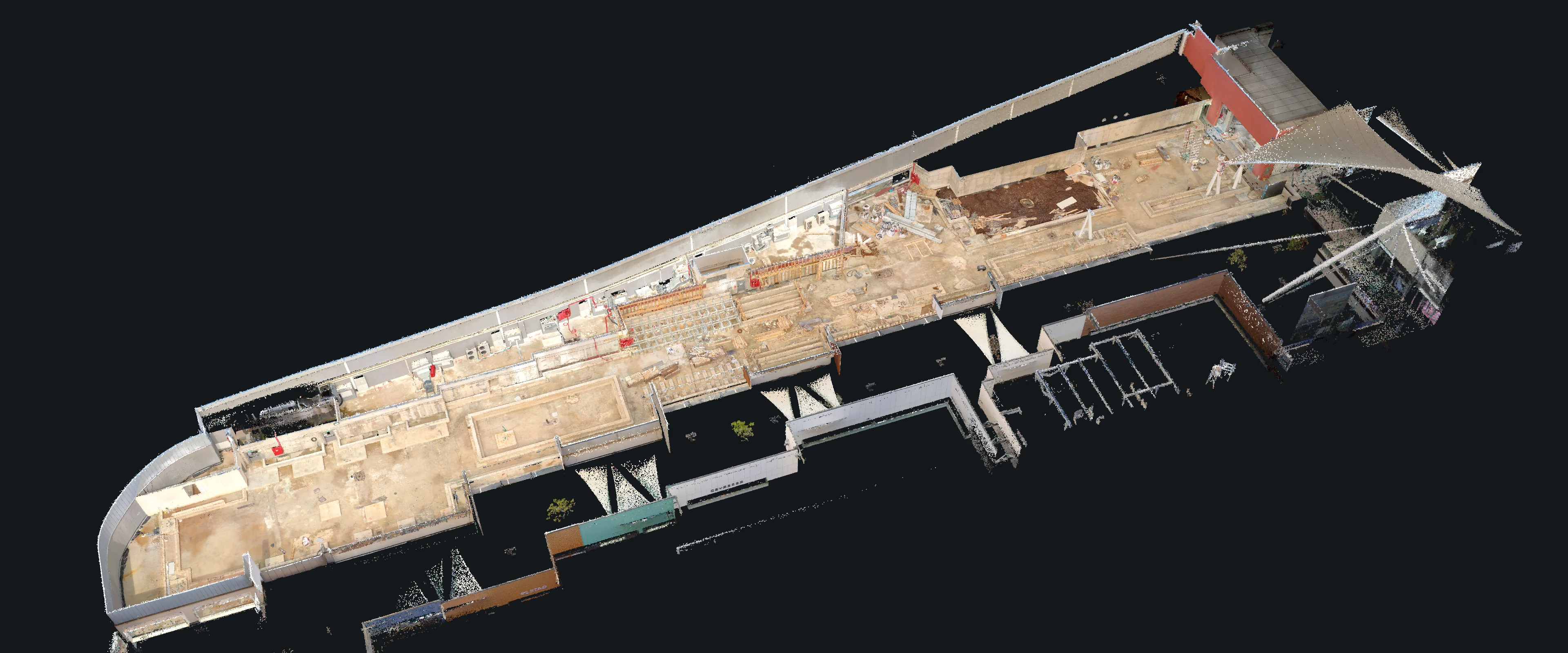
02 / SCAN TO PLAN
A closer reading.
Move the lens to reveal the corresponding CAD plan. Zoom in to inspect the detail.
DRAWING DESK
Point cloud / CAD plan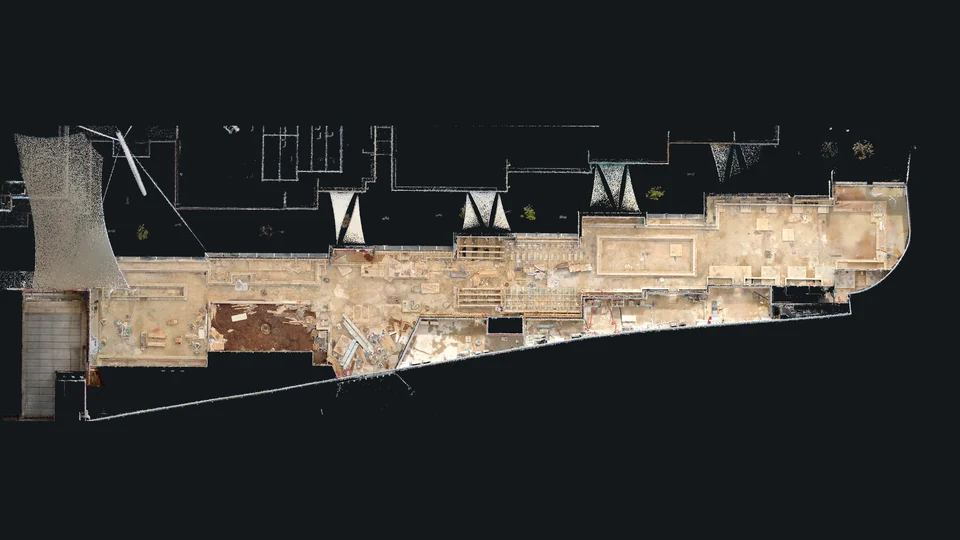
One place.
Two ways to read it.
Same coordinates. Shared framing.
Open CAD drawing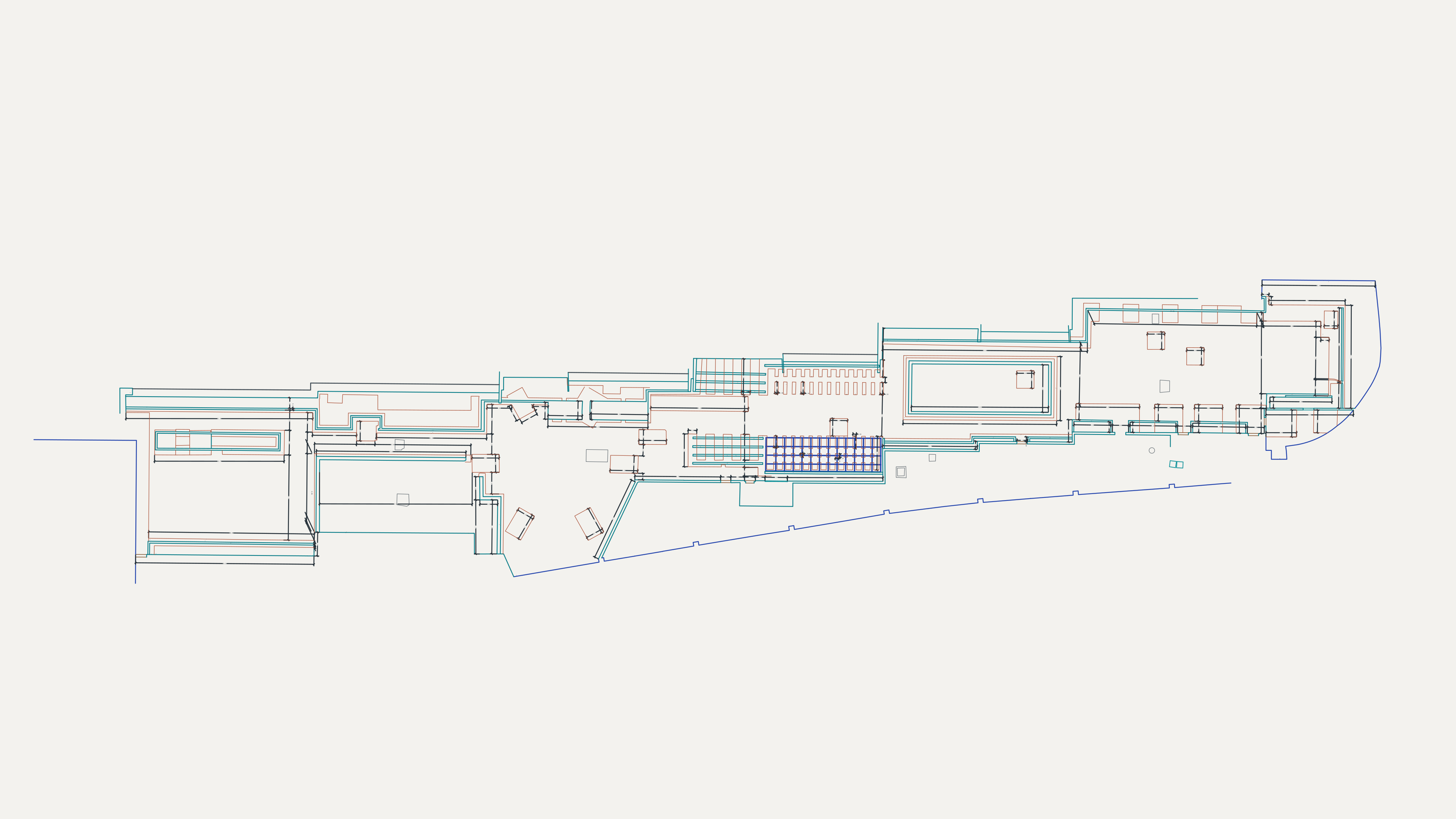
About these views
Prepared from the supplied E57 point cloud and matching DXF plan. Both views share the same coordinates and display framing. CAD line weights and contrast are enhanced for screen reading; source geometry and dimensions are unchanged. Scan colors are retained, with no invented surfaces or filled gaps.
BUILDING DOCUMENTATION
Your scan. A clear record.
Discuss your available data and the drawings you need.