ONE BUILDING / SCAN → MODEL → DRAWINGS
Building
documentation
Explore the building through its scan, model and architectural plans.
Captured conditions · Building model · Plan documentation01 / THE PROJECT IN MOTION
Project film
From the captured exterior to the modeled interior.
31 seconds · Scan and model
02 / LIVE 3D EXPLORATION
Explore in 3D
Orbit, move inside and compare the scan and model from one camera.
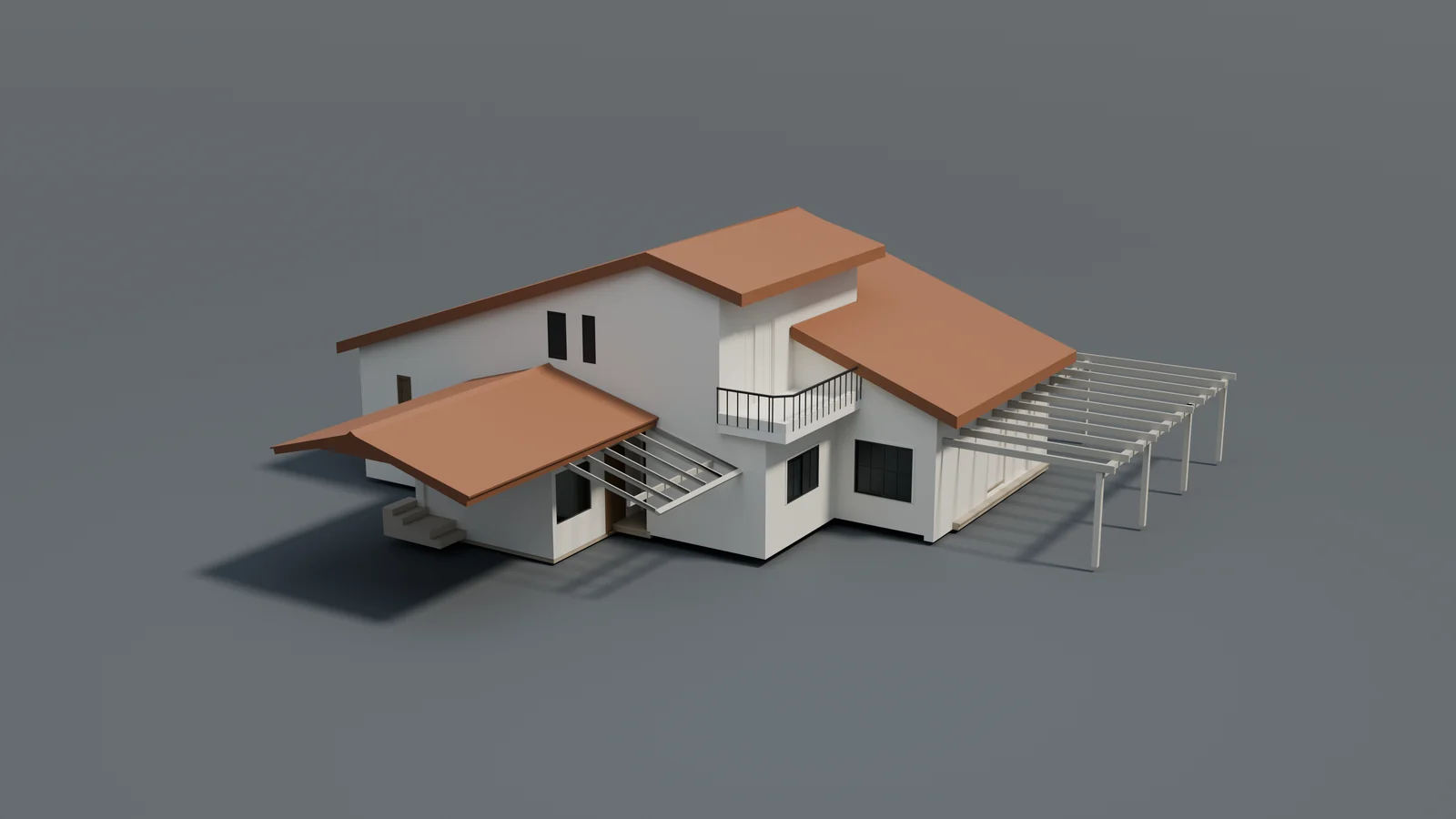
Explore the building
Switch between point cloud, model and comparison.
Loads on demand. Images and film remain available.Controls & display settings
Orbit: drag to rotate, right-drag to pan, scroll or pinch to zoom. Arrow keys pan; + / − zoom.
Fly through: drag to look, W A S D to move, Q / E down and up. Use the movement buttons on touchscreens.
In Model mode, click a component to inspect its category and source element ID. Compare uses the same camera on both sides; drag the divider or focus it and use arrow keys. Fly-through has no collision detection; you can pass through walls. Escape exits exploration.
Captured scan colors. Model presentation colors. Shared-camera visual exploration.
FROM THE WHOLE TO THE DETAIL
Inside the building
Scan & model
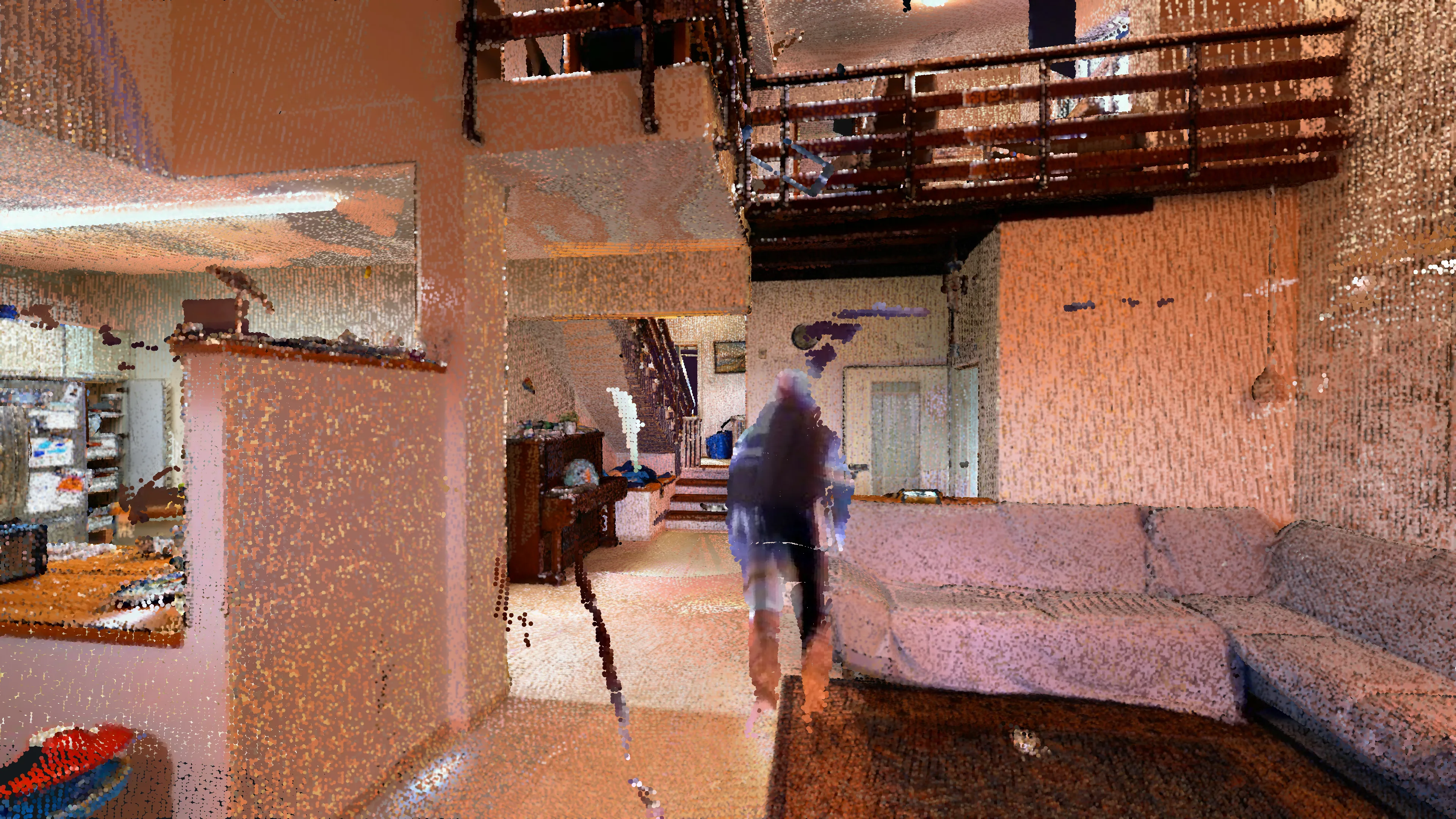
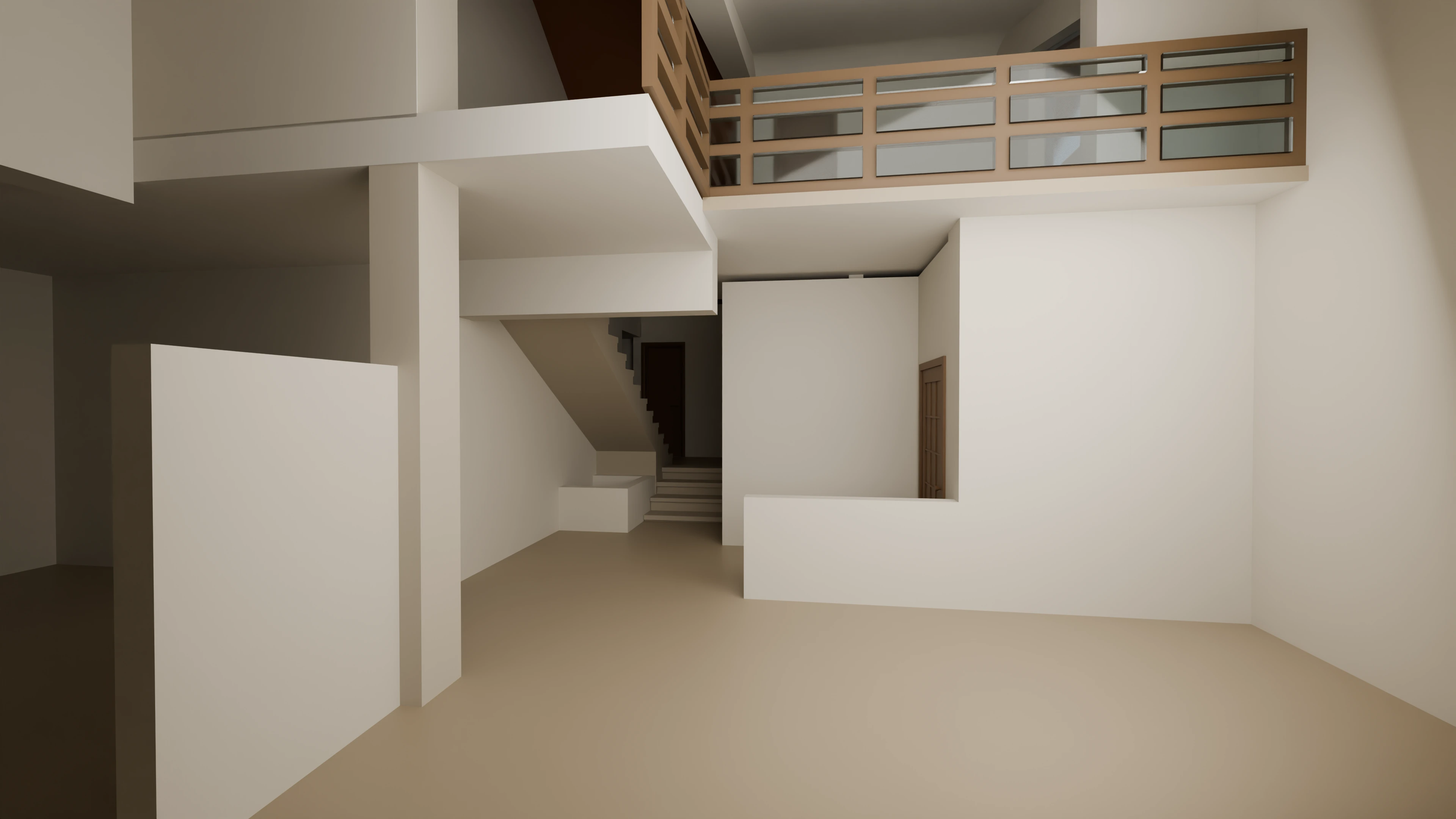
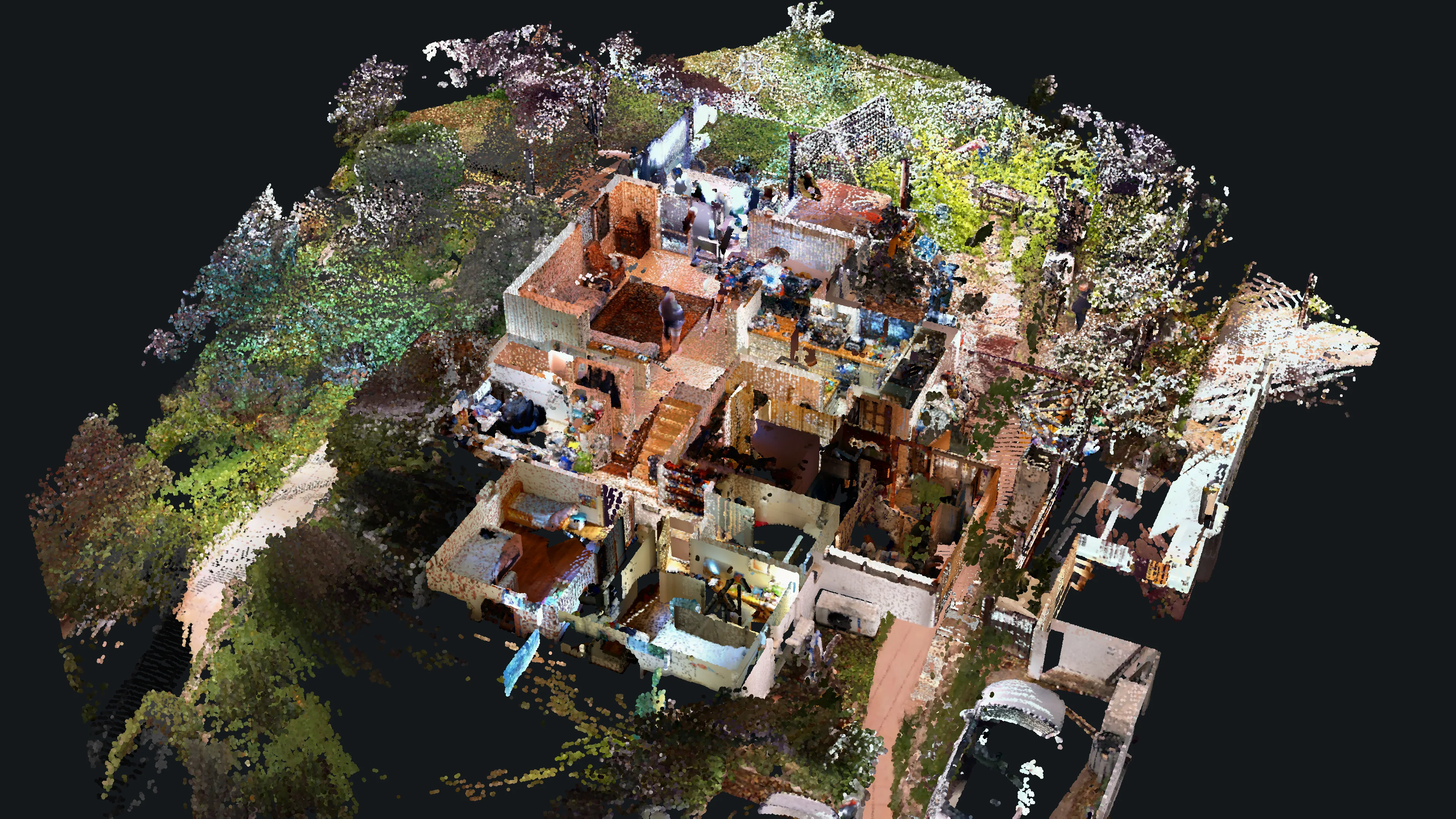
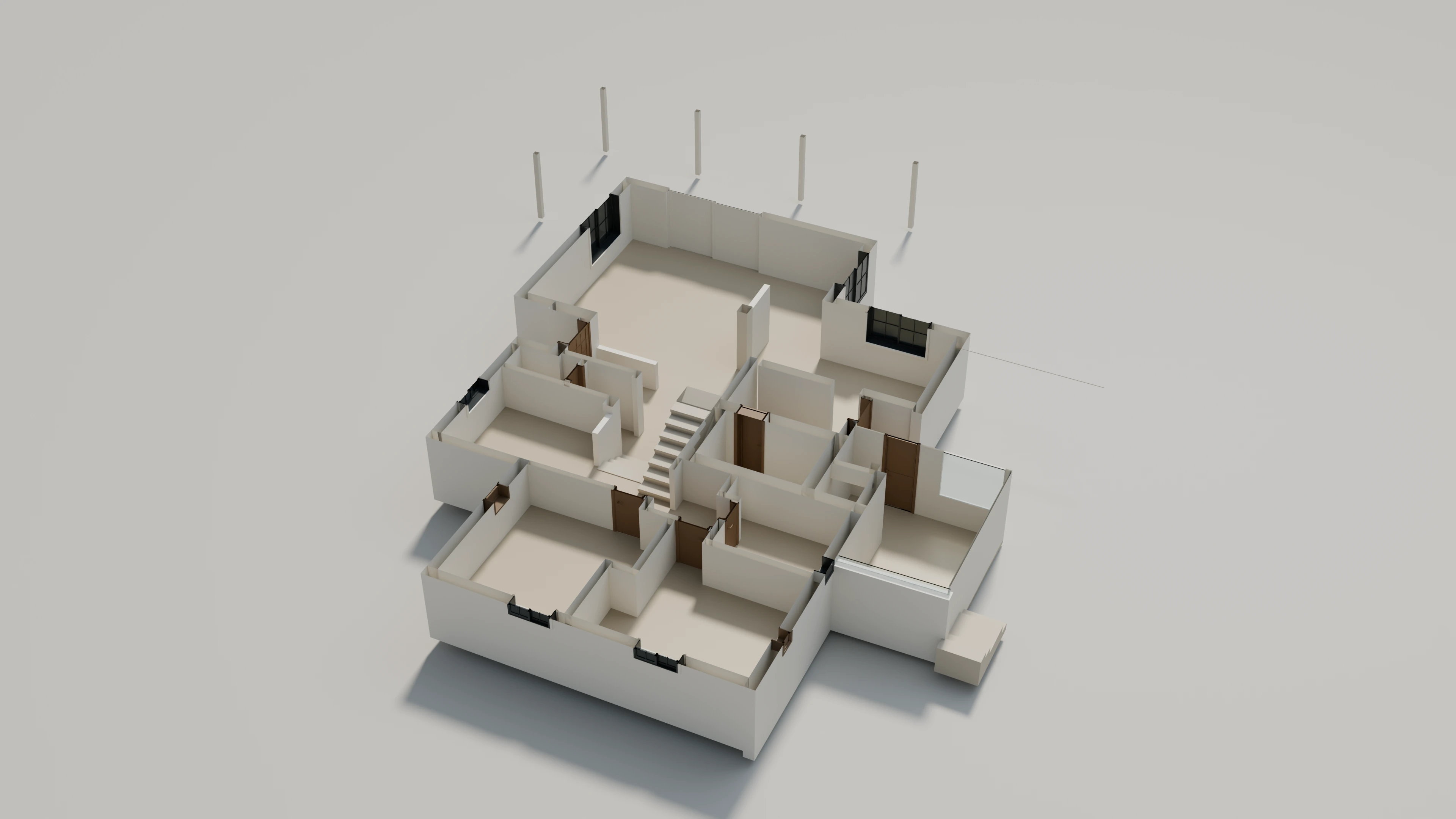
Compare the original color scan with the modeled roof, walls and openings.
Sections & interiors
Use a cutaway or section plane to inspect the stair, mezzanine and internal layout.
Data & viewing notes
Scan and model are aligned using identifiable building features for visual presentation. This is not a survey verification or deviation report. Captured coverage is incomplete in places; furniture and other existing details may be absent from the model. Model colors are presentation choices. Live section cuts are not issued drawings.
03 / SCAN → MODEL → DRAWINGS
Project images & drawings
Switch between scan, model and drawing views. Select an image to zoom.
Captured exterior
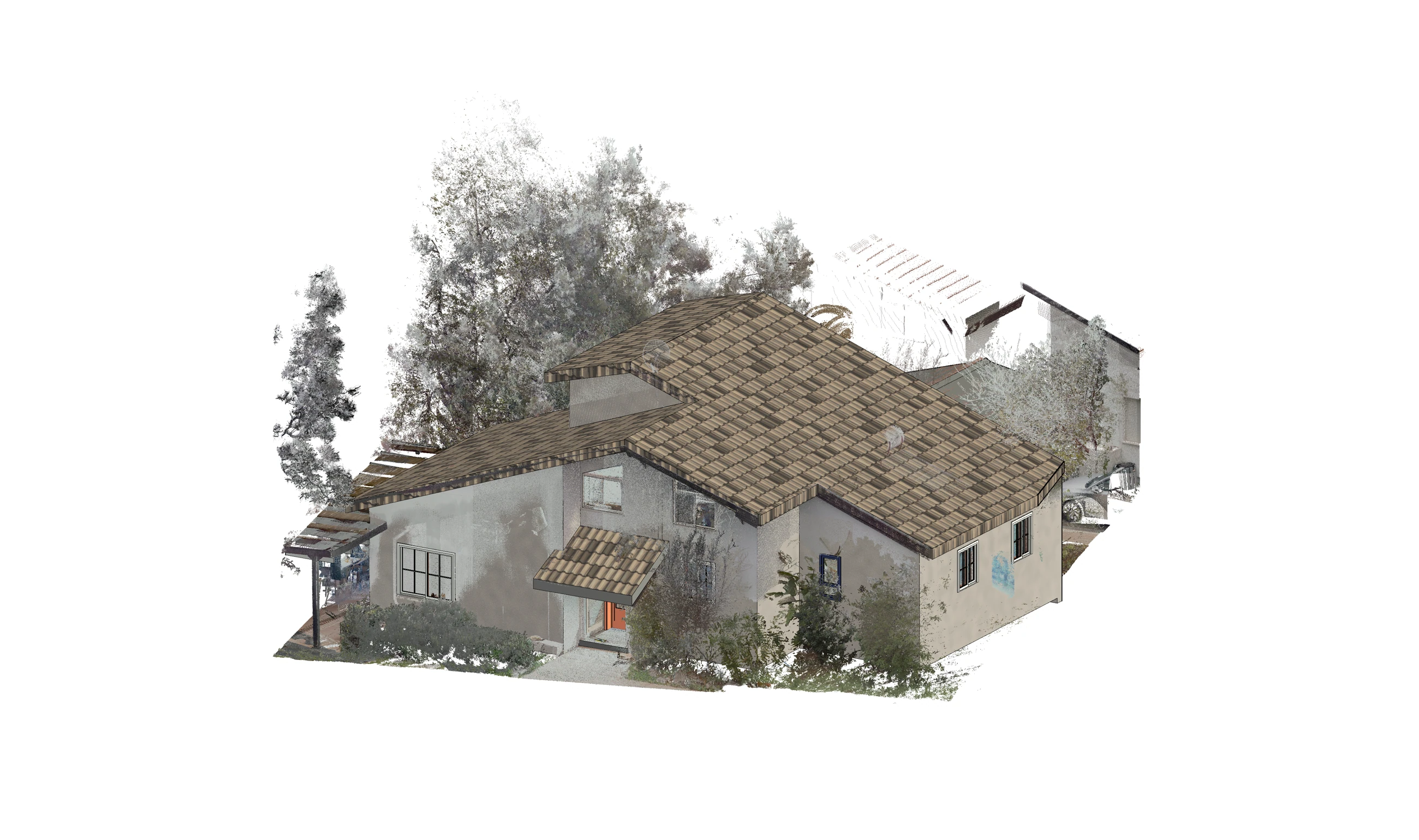
Zoom into the original source. Compare the model. Inspect the drawings.
Image controls — Click a view, then scroll or pinch to zoom. Drag to pan. Keyboard: + / − to zoom, 0 to fit, 1 for source pixels, arrow keys to pan. Esc releases image focus so you can scroll the page.
Comparisons retain each source perspective. Pan and zoom each panel independently. Guided review changes recorded images; any manual interaction pauses it.
Ten original project views: captured exteriors, matching model images, an interior cutaway and three plans. Views retain their original perspectives.
View the case studyExterior comparisons · Interior details · Three plan drawings+
The same building, seen through its captured exterior and modeled envelope.
Look inside the sectionThe documentation task
Project scope
A scan-to-model study of the roof, openings, floor levels and room layout.
- Source material
- Exterior point-cloud views and interior cutaways.
- Documented work
- Building modeling and architectural plan documentation.
- What to inspect
- Roof form, floor relationships, openings and room layout.
02 / Scan to model
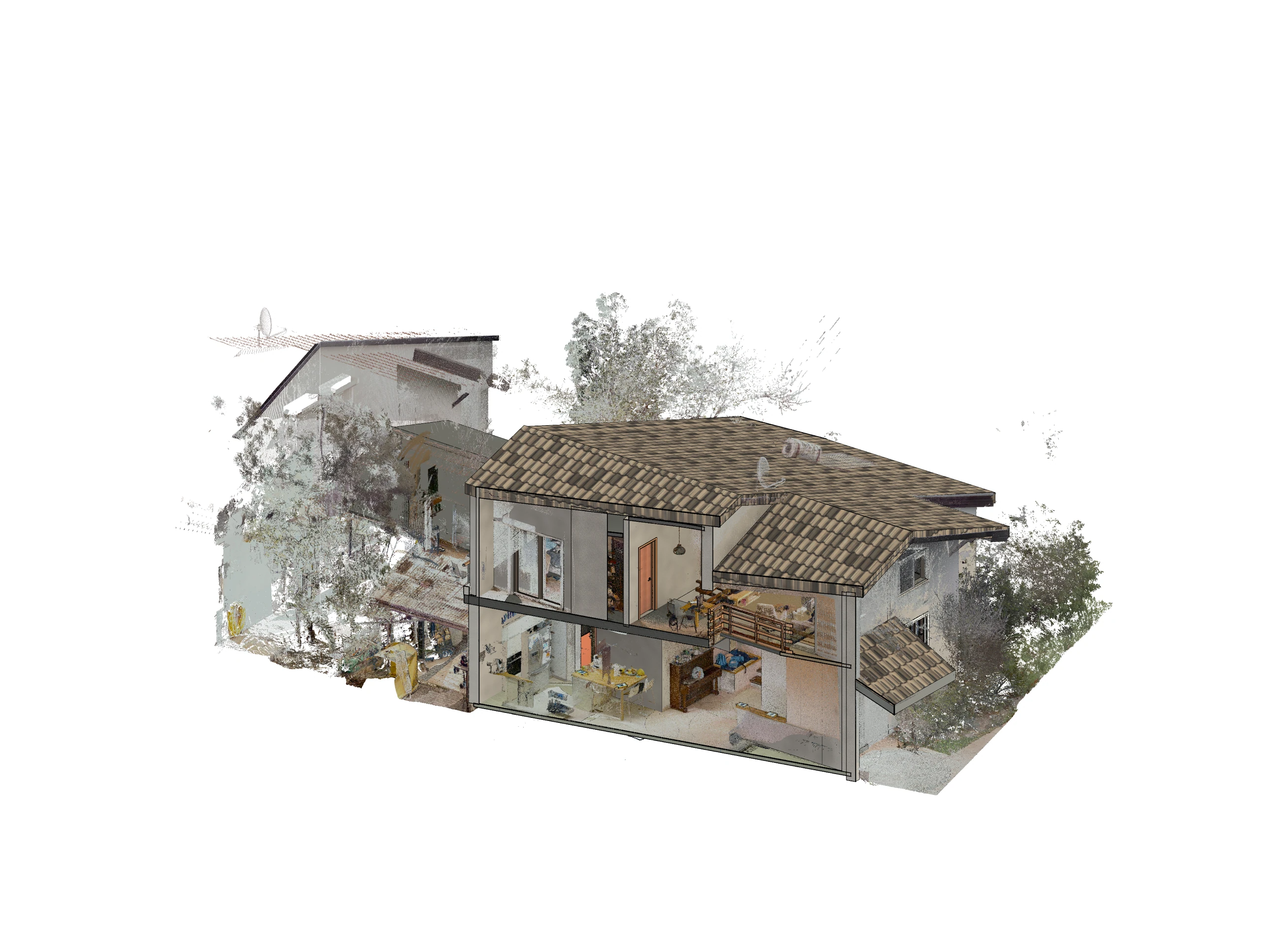
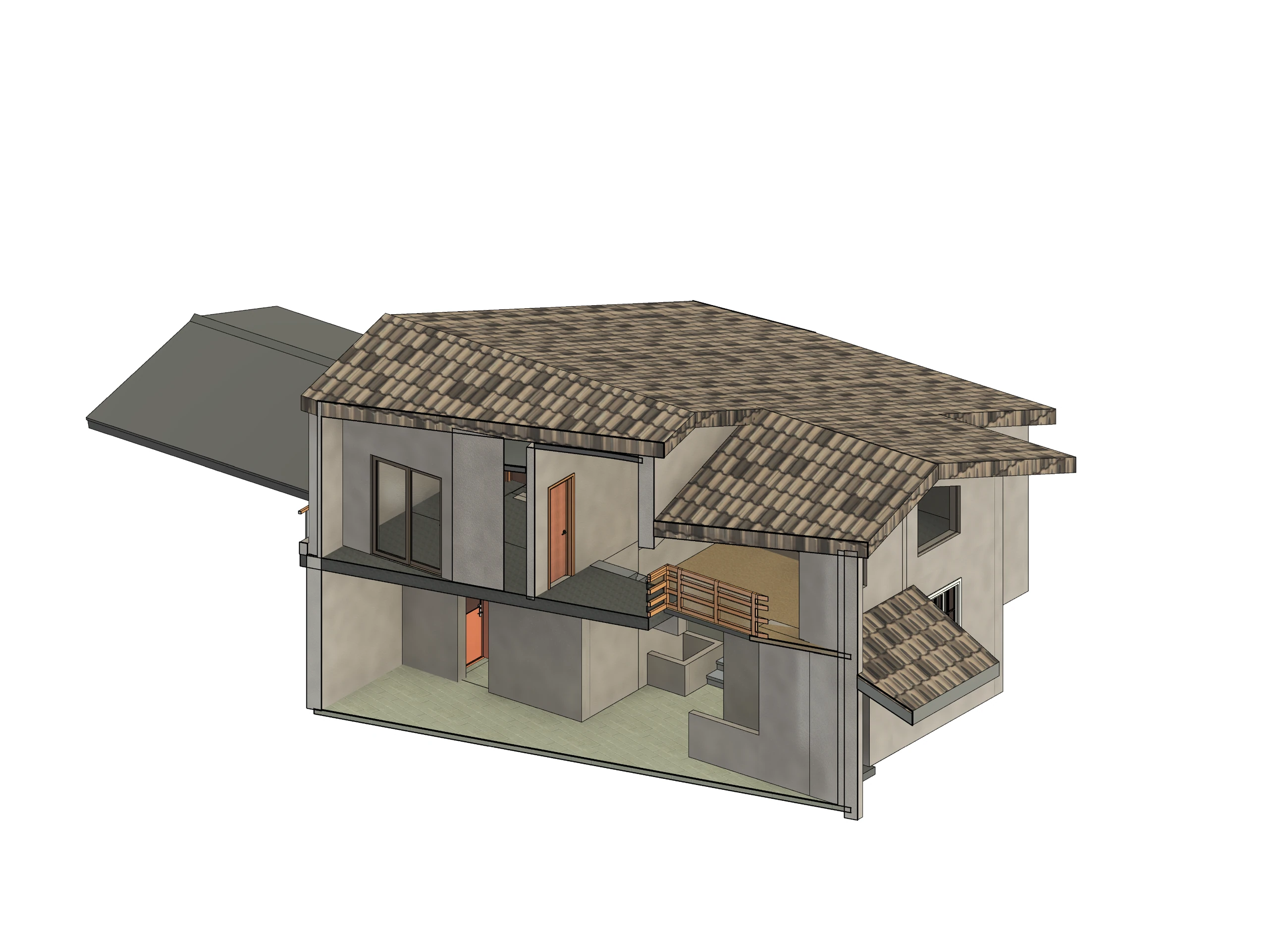
Scan & model sections
Select a marker to compare a building feature.
READ THE DETAIL / 01
Roof profile
Compare the roof heights and adjoining pitched surfaces.
Related views retain their original perspectives and proportions. The markers identify visible features; they are not measurement points.
03 / Internal organization
Interior layout
Compare the captured rooms with modeled walls, doors and stair.
Room boundaries and openings remain visible among the recorded contents.
04 / Engineering documentation
Architectural plans
Inspect room boundaries, openings and annotations in the original CAD colors.
DRAWING 01 / 03
Site & building
Building outline, surroundings and source annotations.
- Representation
- Original CAD raster
- Source resolution
- 684 × 792 pixels
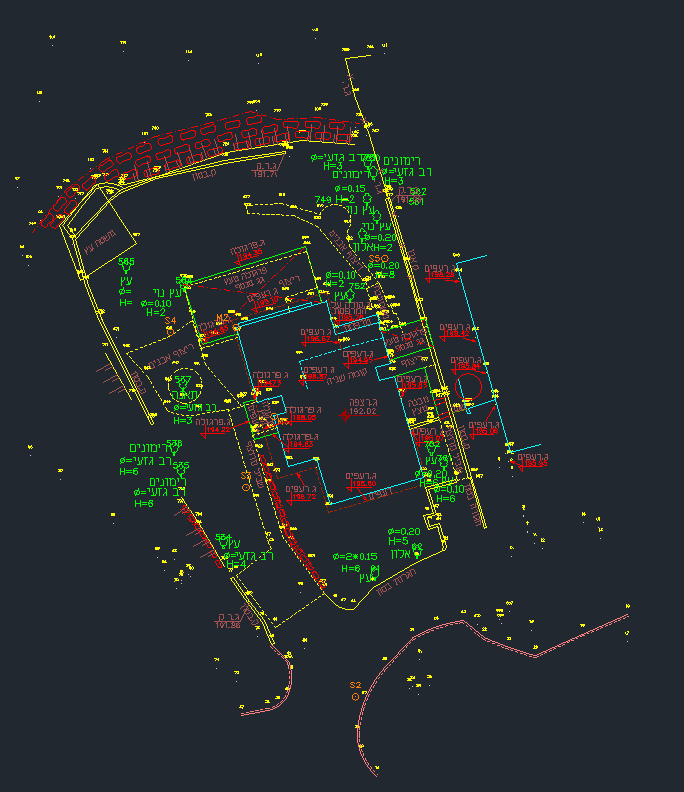
Presented at the resolution of the supplied source.
DRAWING 02 / 03
Building plan
Room boundaries, central stair and building outline.
- Representation
- Original CAD raster
- Source resolution
- 507 × 603 pixels
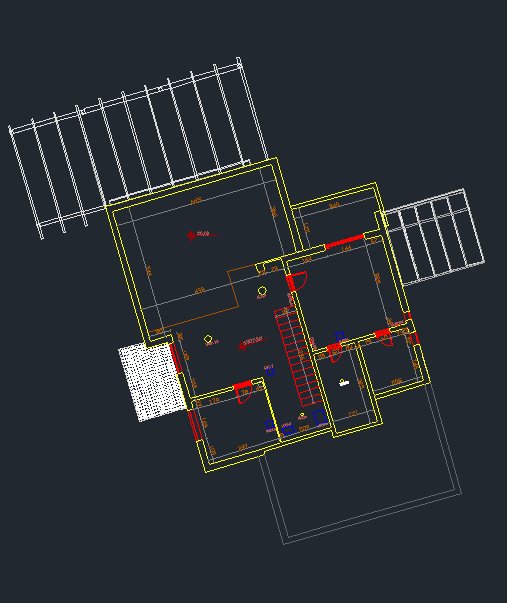
Presented at the resolution of the supplied source.
DRAWING 03 / 03
Room layout
Rooms, openings, door swings and circulation.
- Representation
- Original CAD raster
- Source resolution
- 689 × 752 pixels
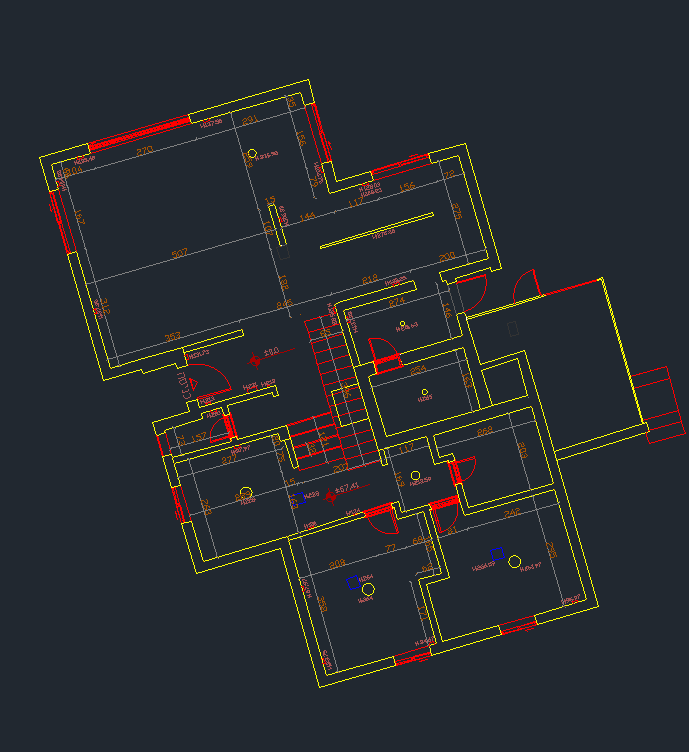
Presented at the resolution of the supplied source.
From captured reality to engineering clarity
Complete project record
Open all scan views, model images and drawings in the project explorer.
Inspect the complete project04 / RENDERED MODEL VIEWS
Rendered model views
Original model geometry with architectural lighting and presentation materials.
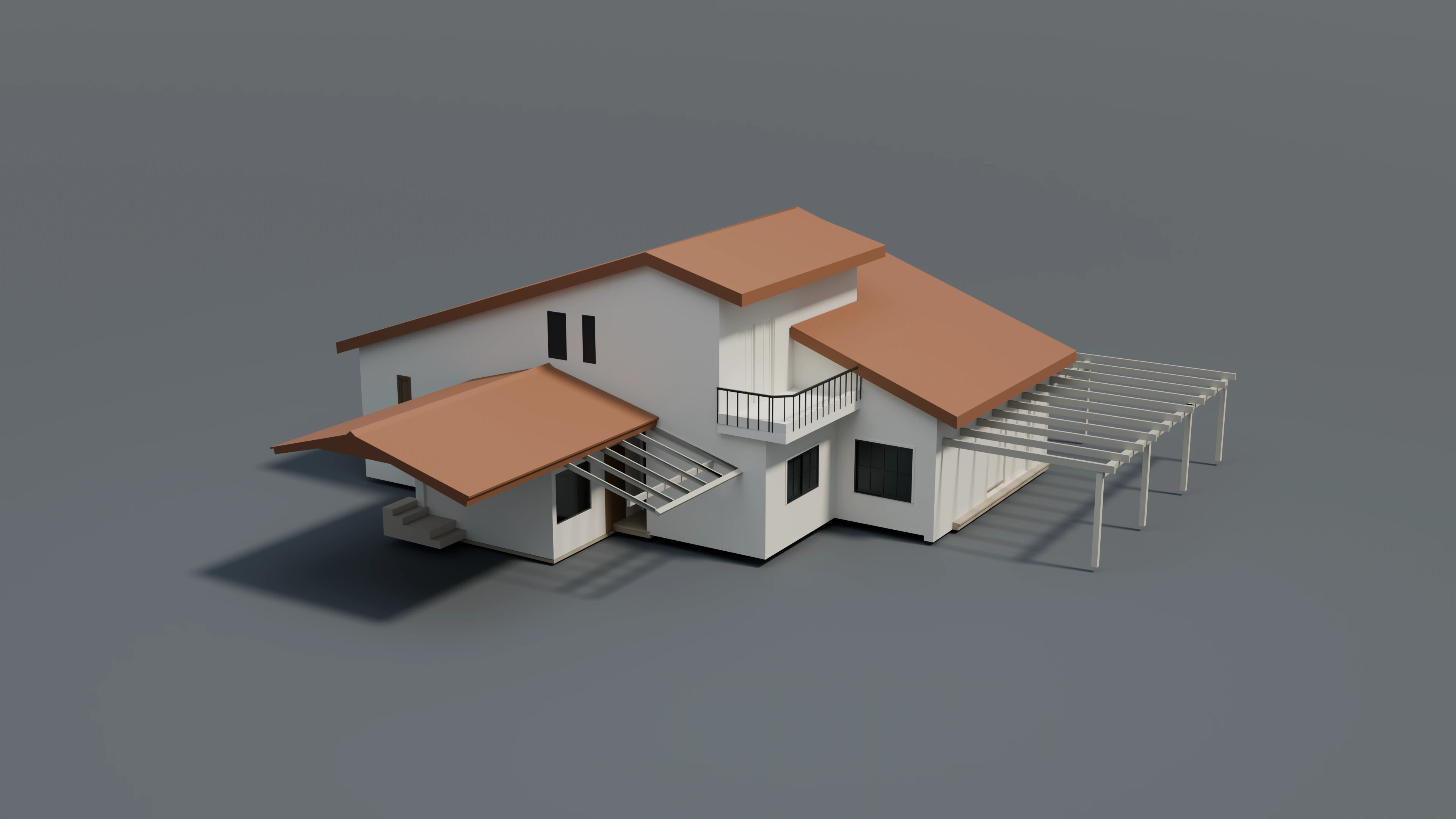
01 / Exterior study · Original geometry · Architectural presentation materials