DRONE PHOTOGRAMMETRY / AERIAL SITE STUDY
Drone site survey
Explore an aerial map made from drone photographs alongside its corresponding CAD drawing.
Explore the map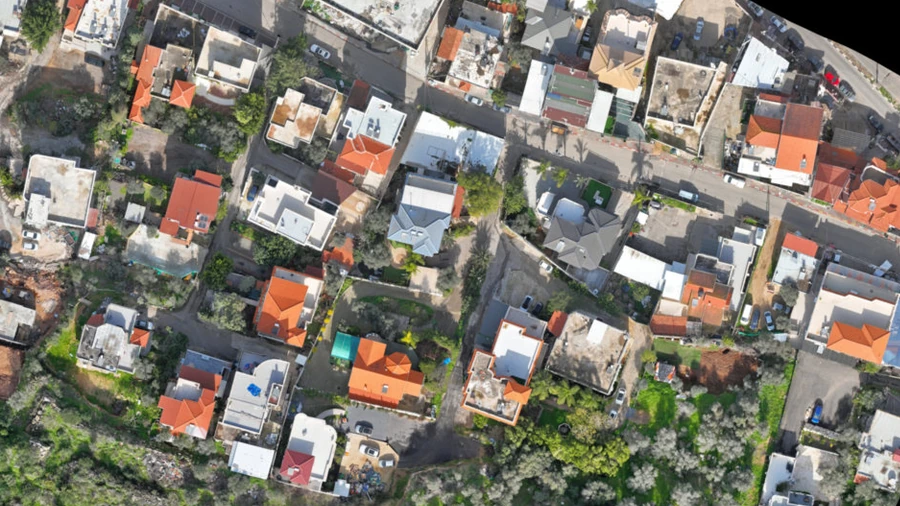
↑
A CONNECTED SITE RECORD
Site overview
View buildings, access routes and terrain, then zoom into original image detail.
- Source image
- 18,000 × 24,000 pixels
- Source pixel spacing
- 14 mm / pixel
- Map reference
- Israeli Grid 05/12 EPSG:6991
Pixel spacing comes from the GeoTIFF metadata. It describes image sampling, not verified survey accuracy.
EXPLORE / THE AERIAL ATLAS
Aerial & CAD explorer
Switch between imagery, CAD and comparison. Choose a saved detail view.
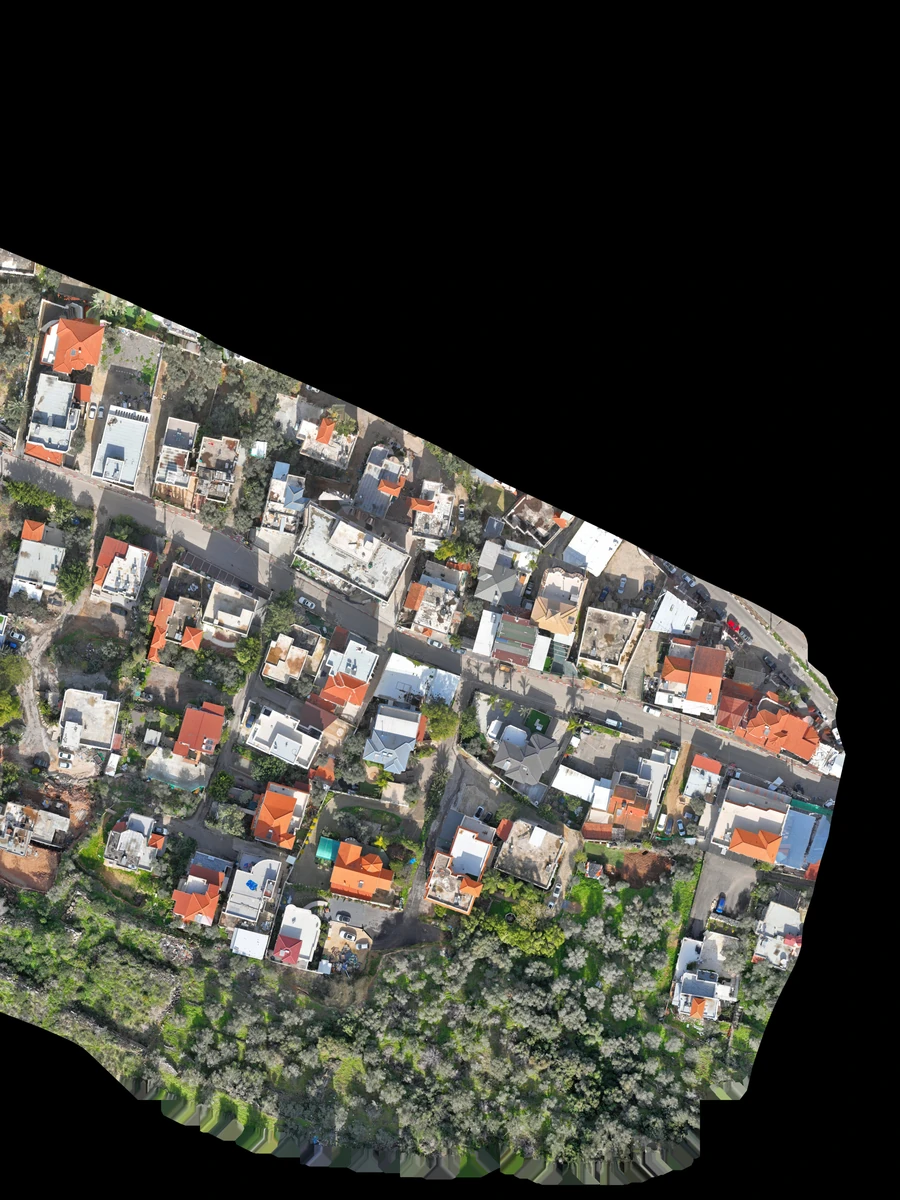
Explore the site map
Select Explore to enable pan and zoom.
Map controls & source information
Desktop: drag to pan. Click the image before using the wheel to zoom. + / − zoom, arrow keys pan, 0 fits the image and 1 displays its pixels at 1:1. Escape releases the image or exits fullscreen. In Compare, drag the divider or focus its handle and use Left / Right; Home / End move to either edge. Touch: drag with one finger and pinch with two. Exit map restores scrolling through the image area.
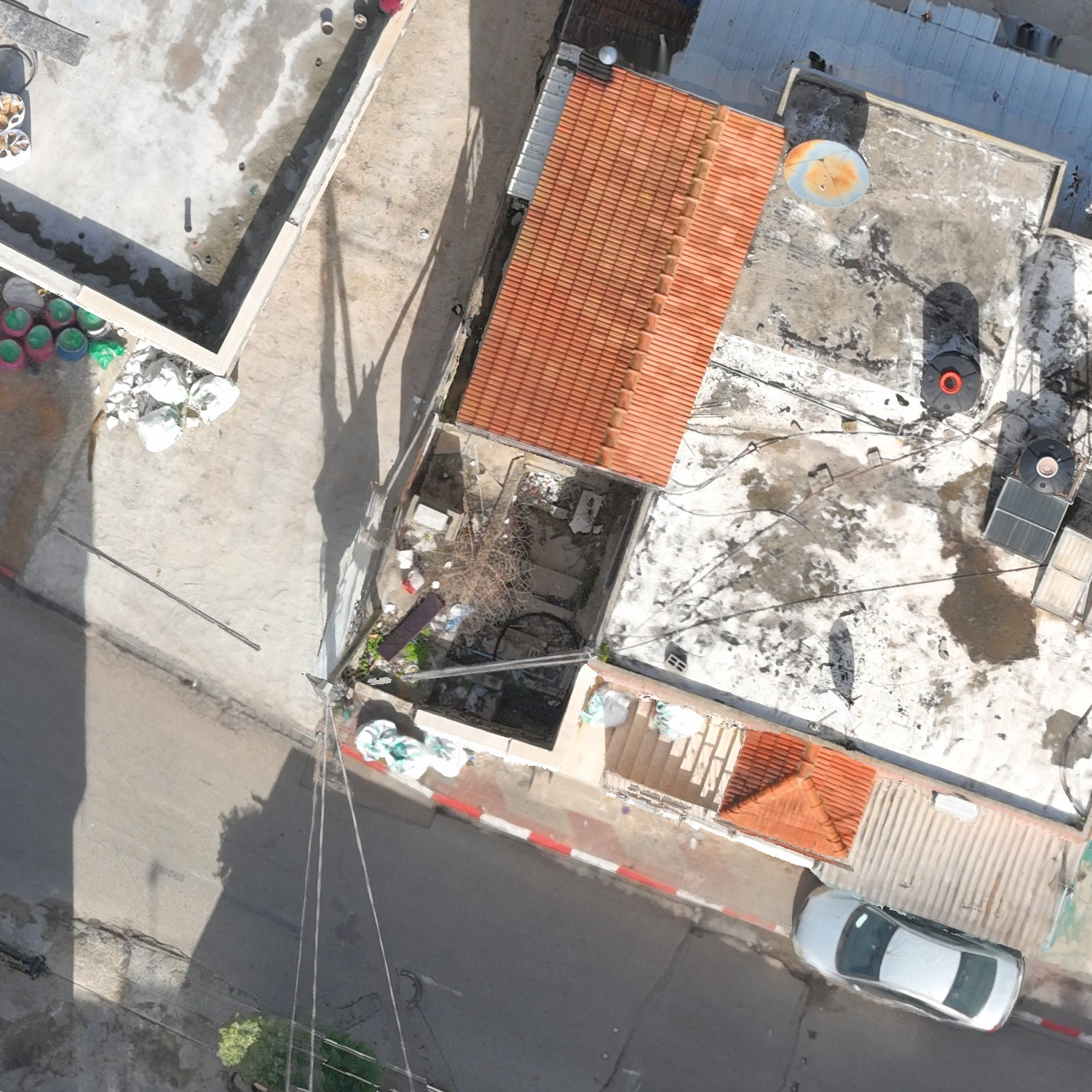
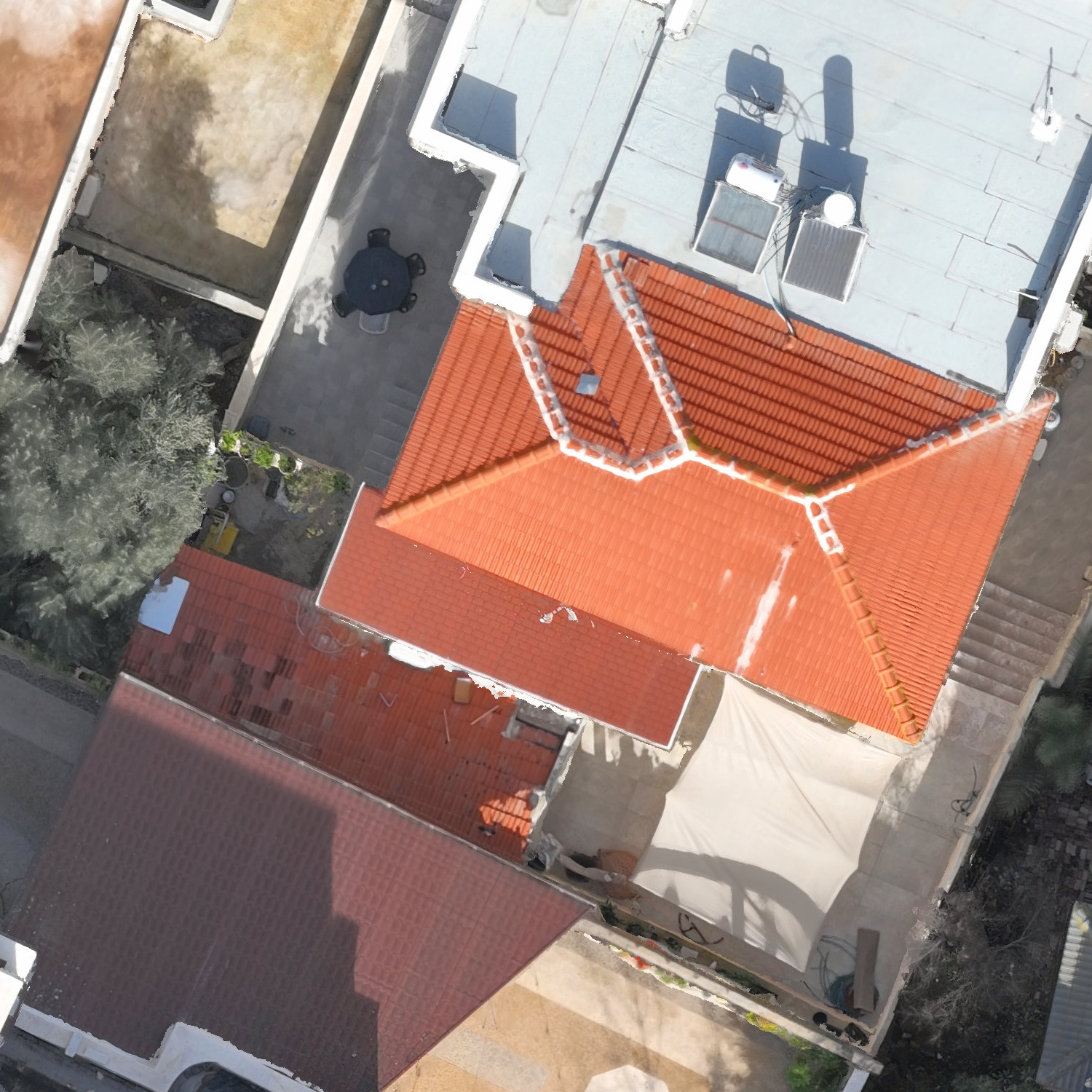
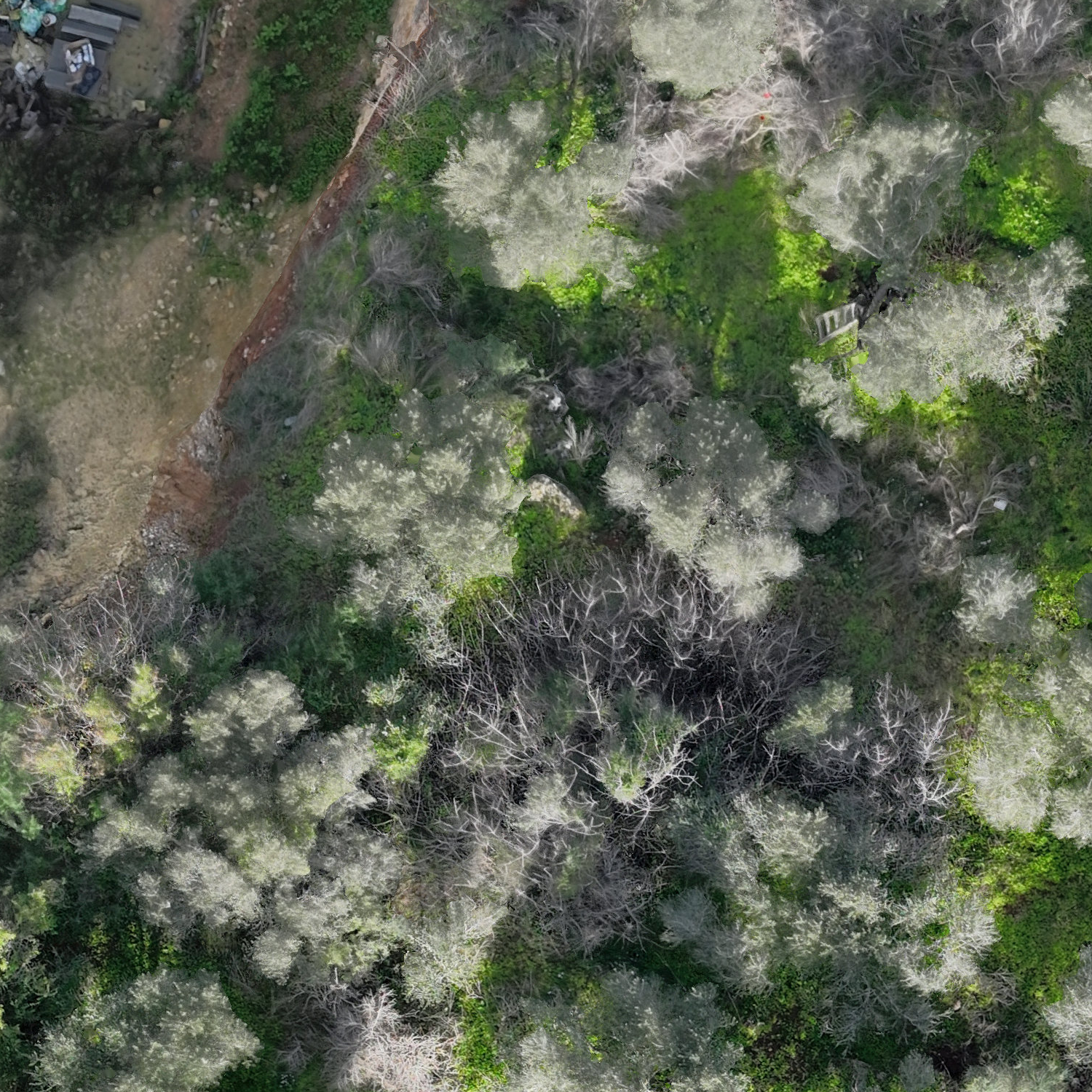
The overview is a 4,500 × 6,000-pixel web derivative of the 18,000 × 24,000-pixel GeoTIFF. Three 1,500 × 1,500-pixel inspection windows retain the decoded source RGB pixels with lossless compression. No artificial detail, geometry correction or gap filling is applied. Black coverage areas and source edge artifacts remain as supplied.
The map scale follows the file’s embedded pixel spacing. CAD linework uses its original metre coordinates, checked visually against roofs, building corners and road edges. Switching representations preserves the view. The drawing and aerial have different coverage extents; no linework is added where the source drawing has none. This presentation is not a survey accuracy or deviation assessment.
Open an image directly: Site overview ↗ · Street detail ↗ · Rooftop detail ↗ · Landscape detail ↗
THE ENGINEERING DRAWING
Site drawing
The full CAD plan, with original linework, annotations and layer colors.
Compare a rooftop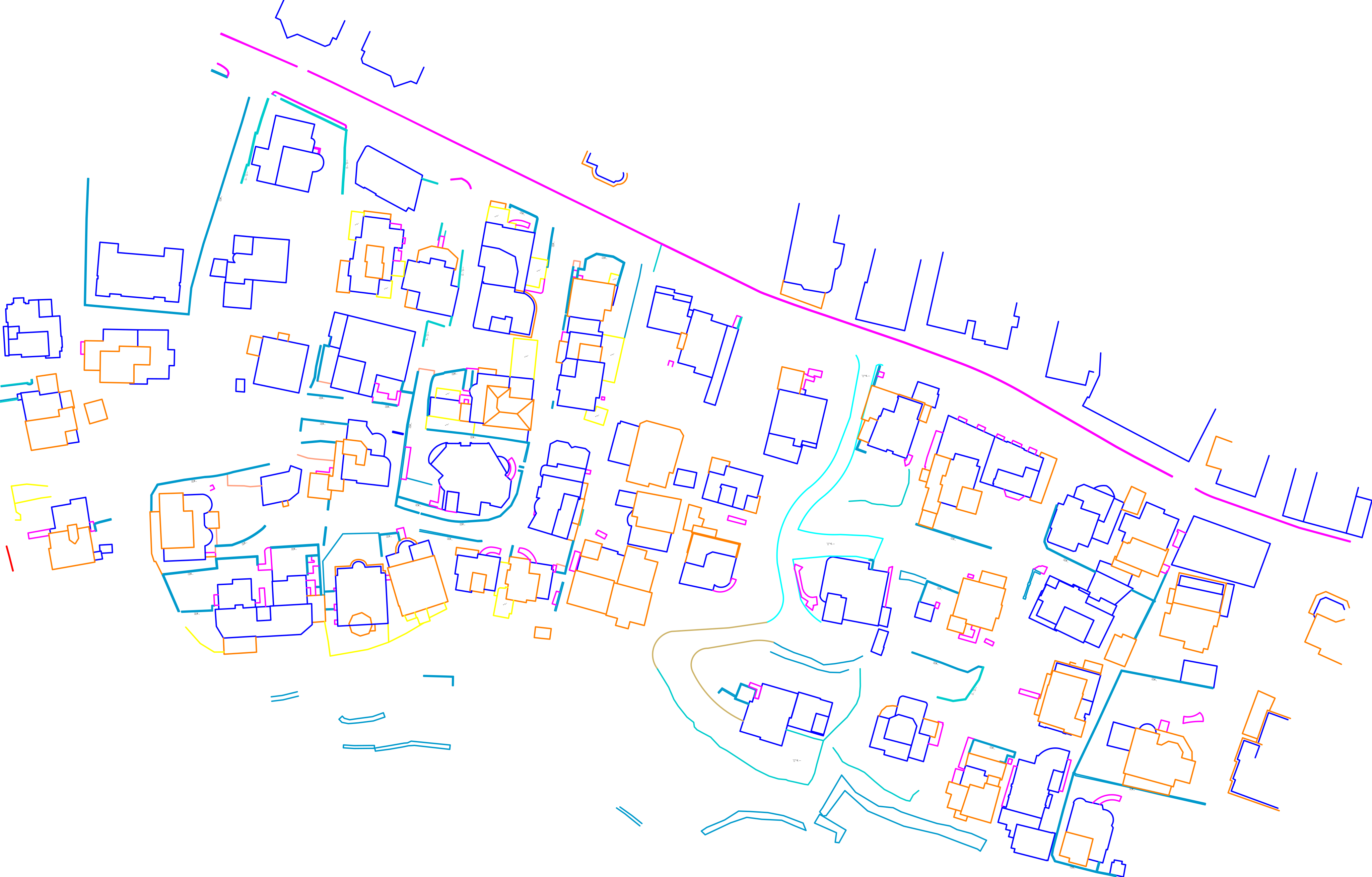 Inspect the complete drawing ↗
The aligned map shows the area shared by the drawing and aerial capture. The landscape detail lies outside the supplied CAD linework.
FROM CONTEXT TO DETAIL
Site details
Site context
Buildings, roads and open space in one view.
Read the site ↗Surface detail
Inspect roof surfaces, road edges and ground detail.
Inspect a rooftop ↗CAD comparison
Review the aerial record alongside site drawings.
Discuss your deliverables ↗