BUILDING + COMPONENTS / SCAN + MODEL
Building
& equipment
Explore the point cloud, wireframe and shaded model. Open a cutaway or inspect a component.
Explore the model ↓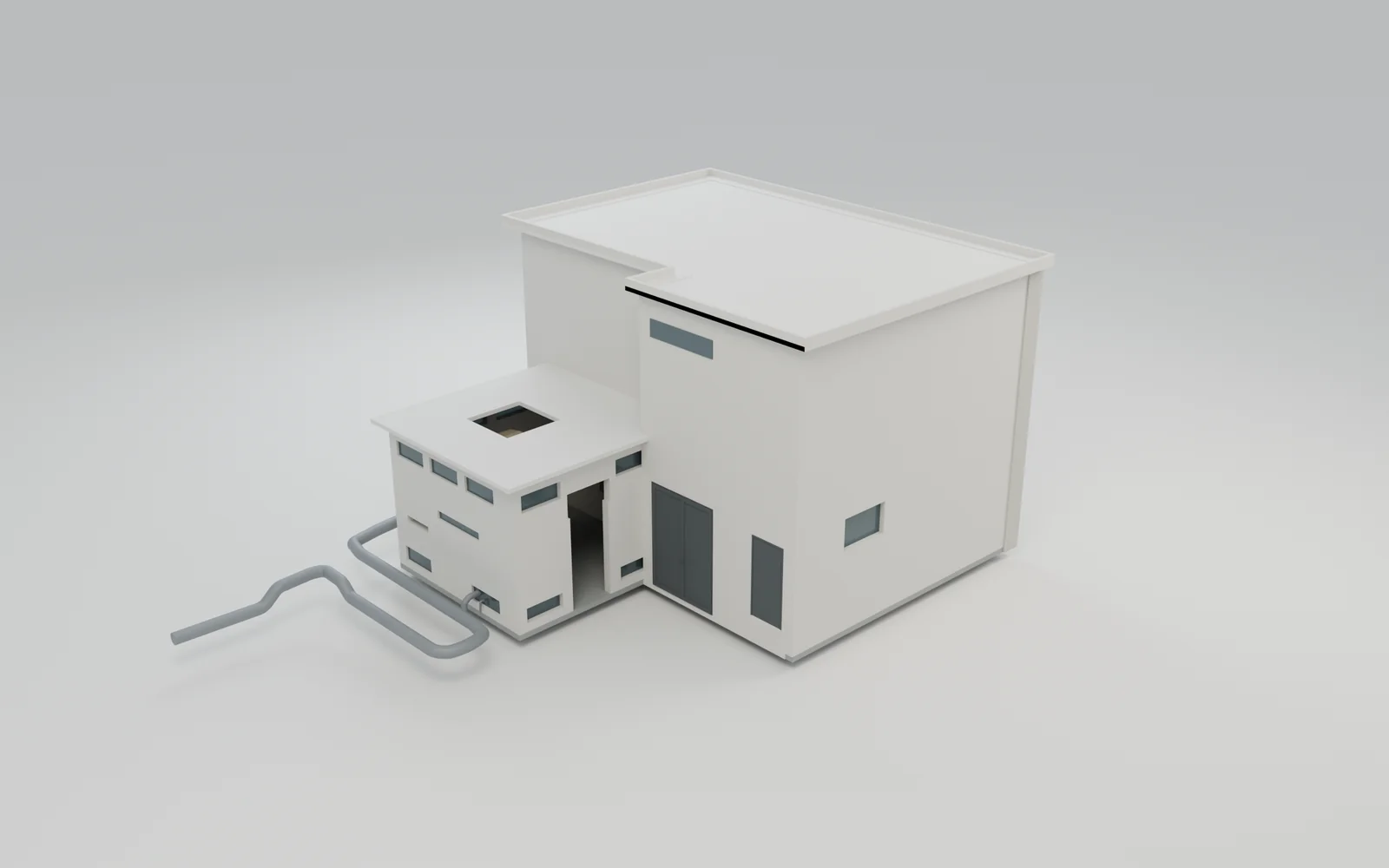
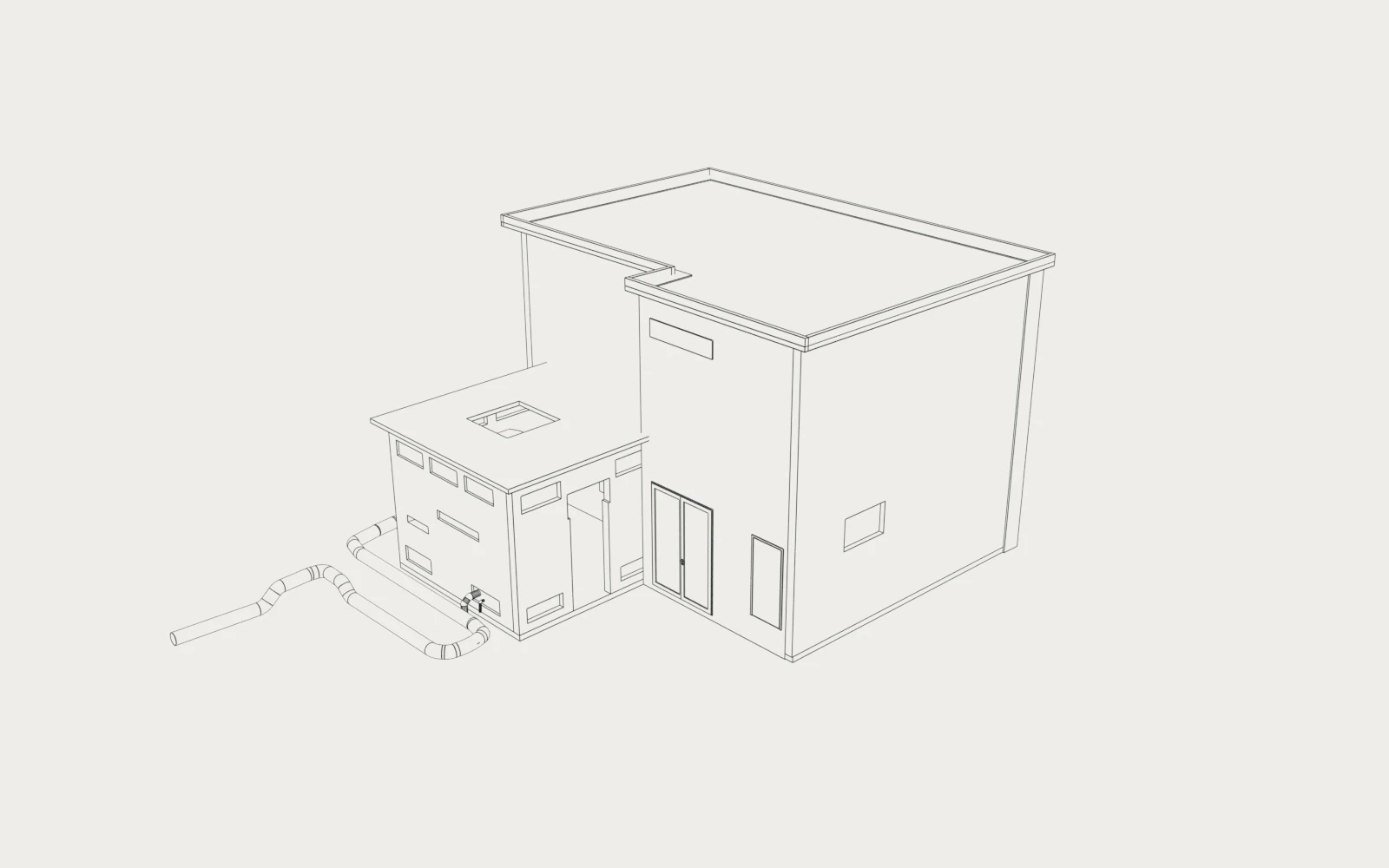
Drag the divider to reveal the shaded model. Choose a chapter to change the view.
Same model. Shared camera.
Exploration controls & model information
In 3D: drag to orbit, right-drag to pan, pinch or scroll to zoom. Click the model before using the mouse wheel. Arrow keys pan; + / − zoom; W/A/S/D fly; Q/E change height. Keys 1, 2, 3 select a chapter; Home resets; Escape exits. Fly-through navigation has no collision constraints.
On touchscreens, use one finger to orbit and two fingers to pan or pinch. Select a visible component to read its source element ID. Any interaction pauses the guided sequence.
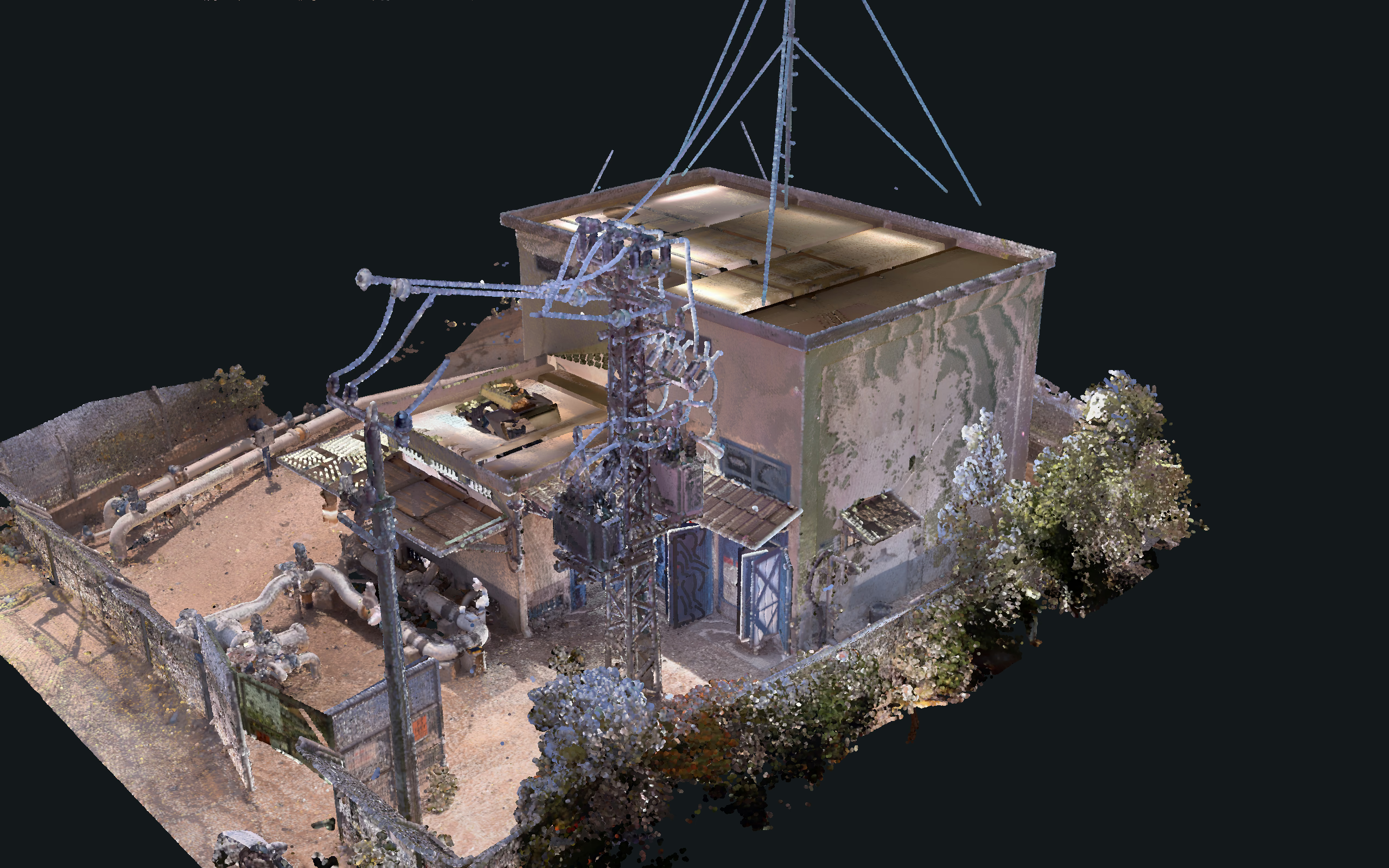
Point cloud colors come from the supplied E57. In Scan / Model mode, both sides share one camera and matching horizontal sections. Registration was checked against the enclosure, stepped building volumes and equipment; this is visual comparison, not a survey accuracy or deviation assessment. Wireframe and shaded open-shell views hide exterior categories. Shaded materials are presentation choices. Captured gaps and differences remain visible.
CAPTURED REALITY / ORIGINAL RGB
Captured conditions
Compare the captured building and equipment with the model from the same viewpoint.
Actual captured points · Original colors · Source gaps preserved
02 / UNDERSTAND THE ASSEMBLY
Model cutaway
Hide the enclosure to inspect the internal components.
Open-shell presentation · Exterior categories hidden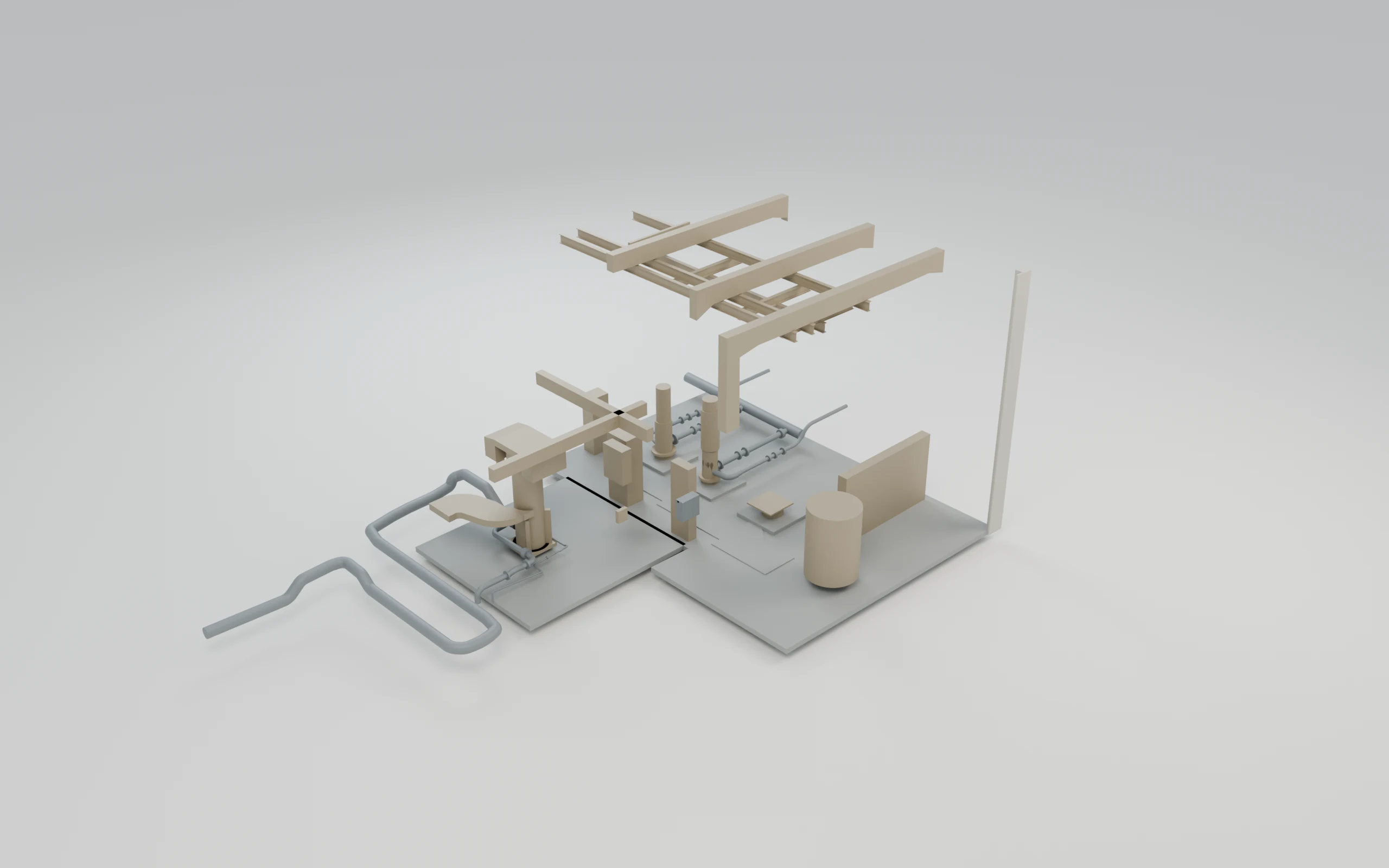
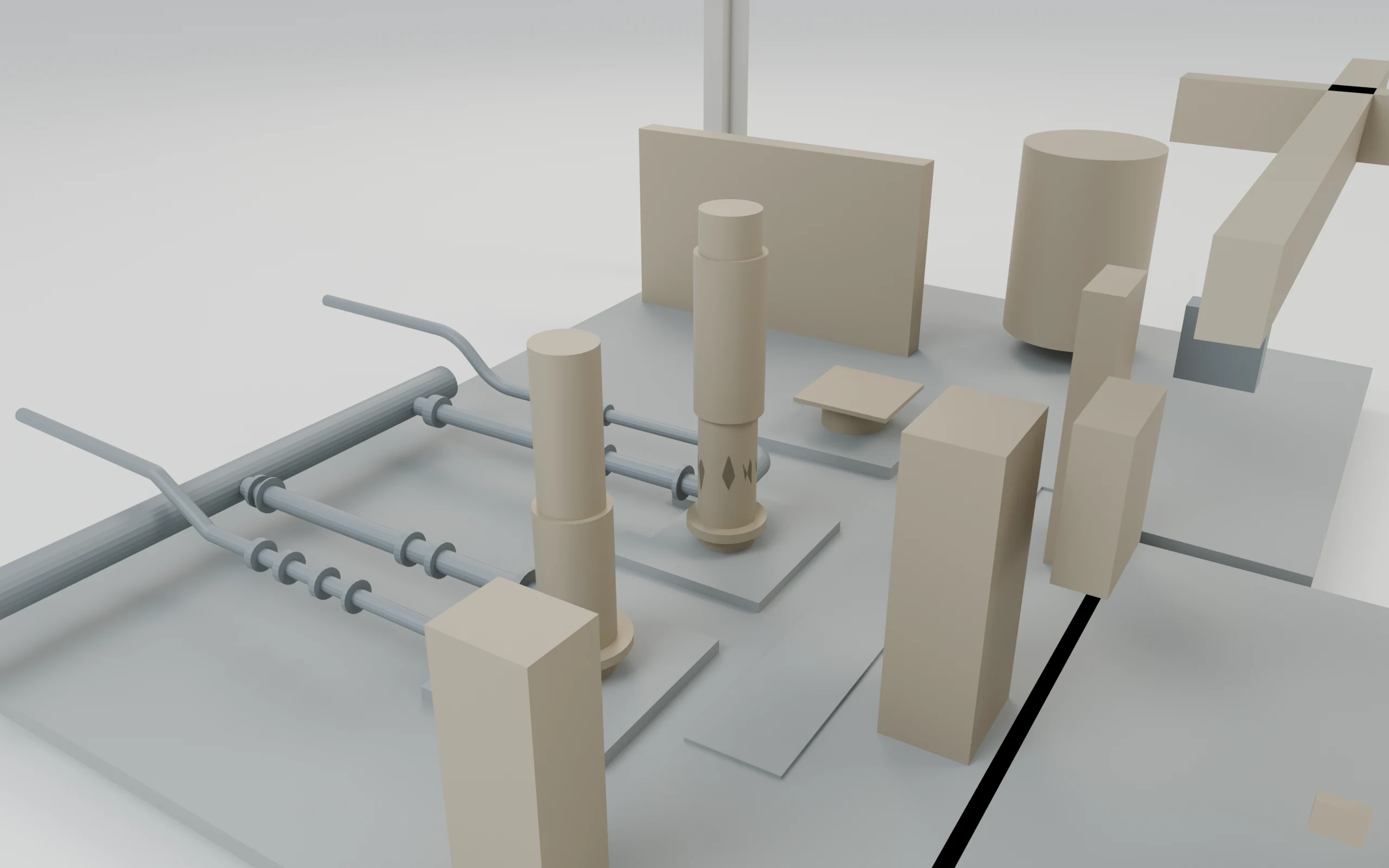
03 / INSPECT THE DETAIL
Component detail
Select an element to inspect its geometry and source ID.
Original exported geometry · No added project objects
CONTINUE EXPLORING
Explore another building
Compare another building scan with its matching model.